Kangaroo™ Console | 35
User groups:
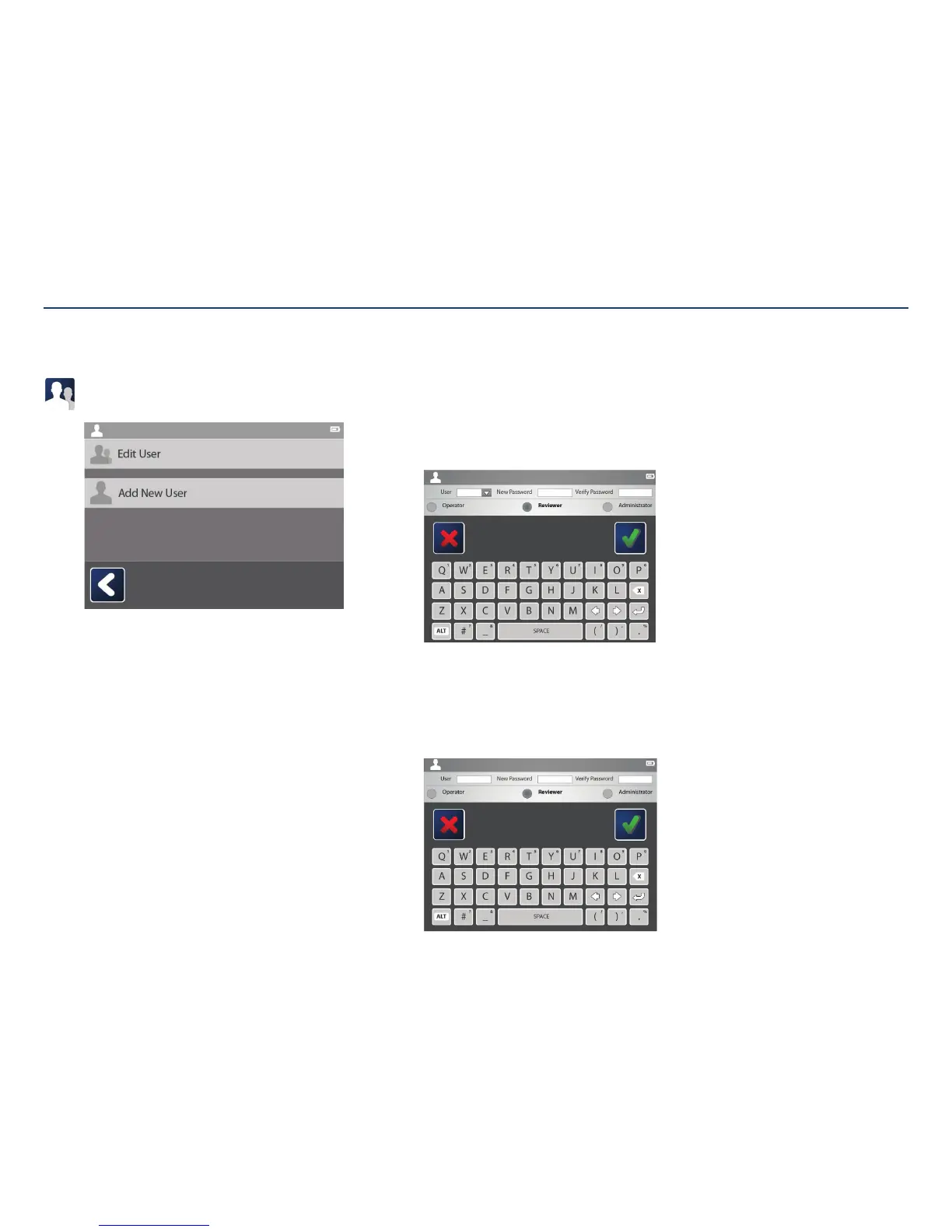
Select the user groups icon to add a user or edit a user’sinformation.
Operator:
Can access the system to perform procedures and annotate.
Reviewer:
Can access the system to perform procedures, annotate, and review any
images edited by operators.
Administrator:
Can access any part of the system, perform procedures, annotate, remove
patient information, add or edit users, update the software, and reset the
device to factory settings.
Edit user type/password:
Select a pre-existing user in the top left corner. To change the user’s password, enter
the new password and then verify it by entering it again. Tap the check mark to
savechanges.
To change the user’s control (operator, reviewer, or administrator) simply tap on the
circle next to the desired option. Tapping the check mark will savechanges.
Add user:
Add a user by typing in the login name, desired password, and the user’s control type
(operator, reviewer, or administrator).
Tapping the check mark will save changes.
Note: Login names “ADMINISTRATOR” and “MAINTAINER” are in use, those user
names cannot be duplicated.
Adding and Editing Users
Section V: User Interface Features



 To Next Page