Kangaroo™ Console | 34
Changing Date, Time, Formatting, Language, and Device Settings
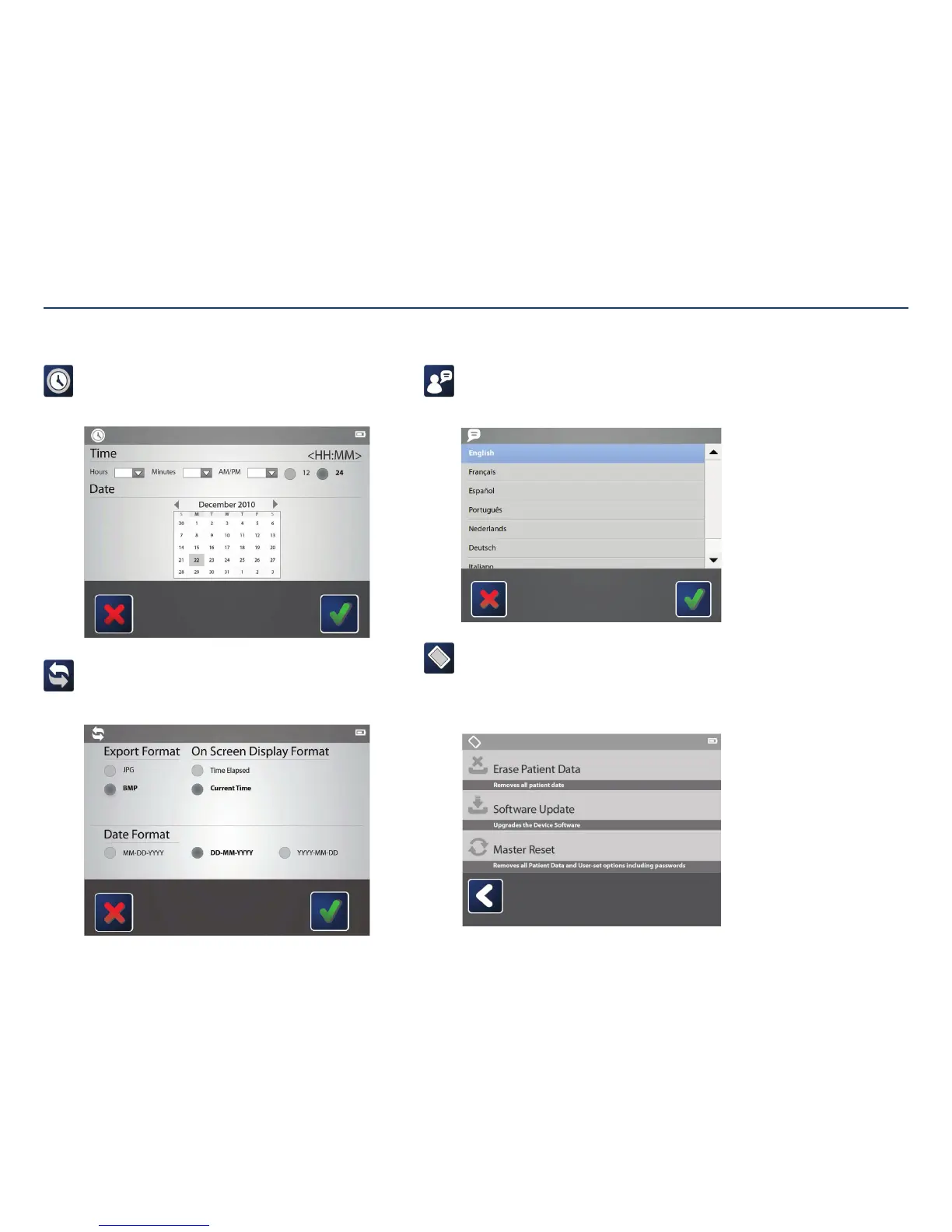
Change language:
Tapping on the language icon displays a screen giving optional language
preferences. Tap once on the preferred language, then tap the check mark to
save changes.
Device:
Tap on the “Erase Patient Data” block to permanently remove all stored
patient information and captured images (recommended if sending console
for maintenance). The “Software Update” upgrades the device to the
latest version. Tapping “Master Reset” removes all data and restores to
factorysettings.
Set or change date and time:
Use the touch screen to select the time and date. If English language is
currently selected on the console, select preferred time format (24 hours or
12 hours), then tap the check mark to savechanges.
Format images:
Choose between exporting images as a .bmp or .jpg. Change the
date format to the preferred order. Edit the way time is displayed
duringplacement.
Section V: User Interface Features



 To Next Page