User Interface
45 / 135
5. When the device screen shows the normal operation status and the RUN
light on the LED panel is illuminated, it indicates that the grid connection
and power generation are successful. You can now browse through the
real-time data in the APP.
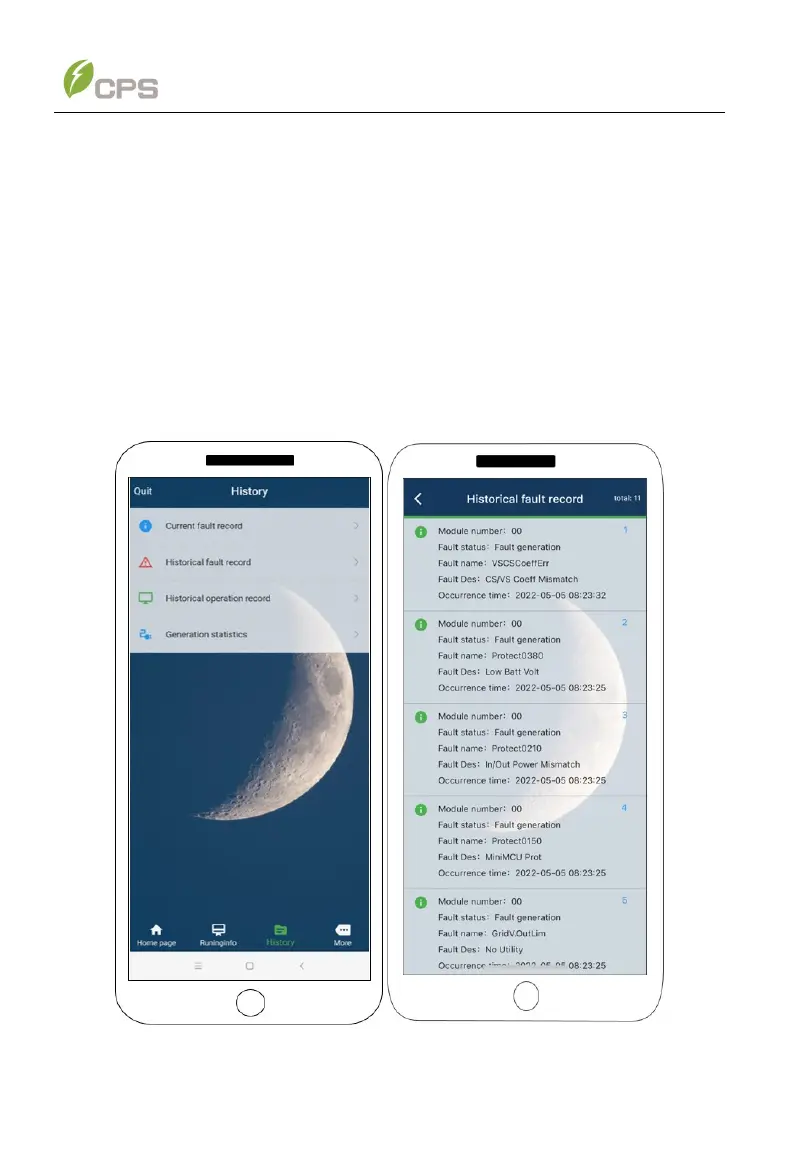
6. If the PCS fails to operate normally, the FAULT light will illuminate and the
fault information will be shown on the interface. You can touch the History
icon to check the detailed fault information. Troubleshoot related problems
and restart. Contact our after-sale department if necessary.
Figure 6-5 Fault information



 To Next Page