63
4 User Interface
This section is intended to orient the user with the inverter interface prior to
turning the system on and commissioning.
4.1 Description of LCD Panel
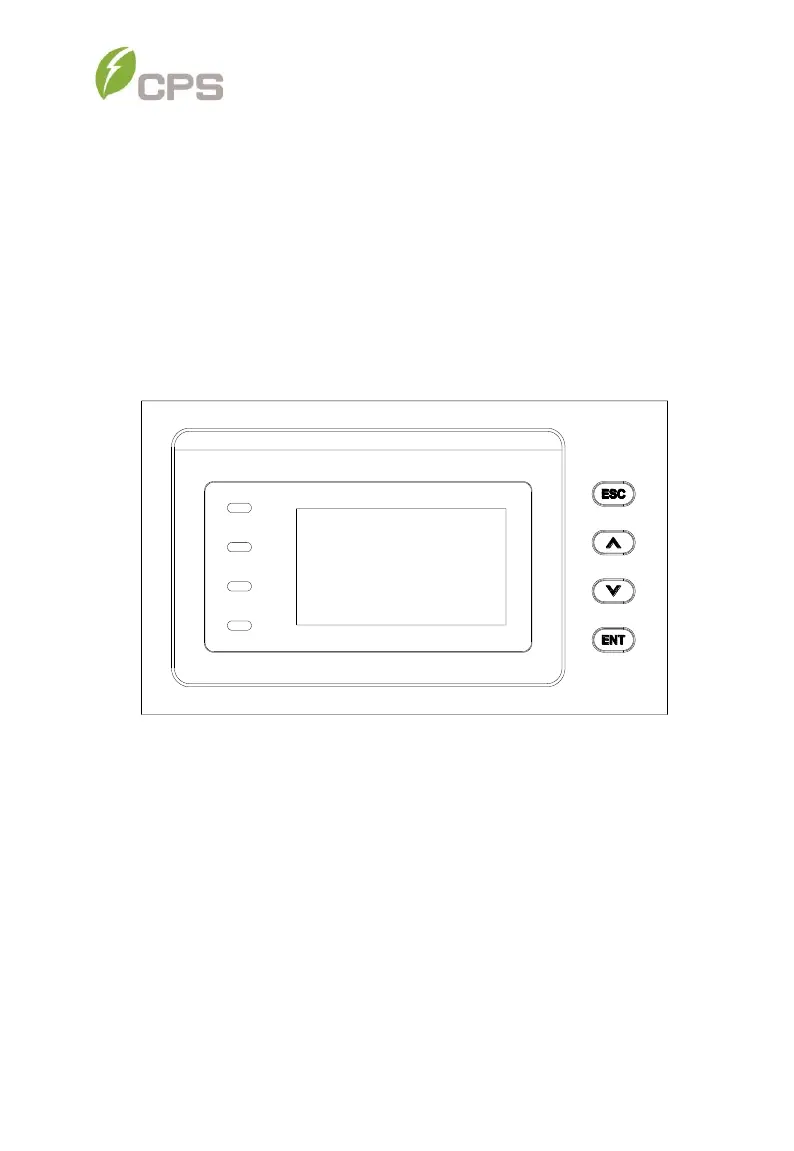
The inverter’s LCD panel consists of the LCD screen, four LED status
indicator lights, a buzzer, and four user keys, as shown in Figure 4-1.
Figure 4-1 LCD Panel
The LCD panel includes a screen-saver function to increase the service life of
the display. If there is no user activity or operation (key press) for greater than
1 minute, the display will enter the screen-saving mode to protect the screen
and prolong the service life.
During normal inverter operation, a key press or any warnings or system faults
that may occur will cause the LCD to exit screen-saver mode.
Interpretation for the indicator lights is shown in Table 4-1and function of the
keys is shown in Table 4-2.



 To Next Page