80
does not affect the operation of the inverter. When a neutral is installed
and “Yes” is selected, the inverter will display L-N measurements.
5. Communication Setting. This interface is used to set the Modbus ID
and Baud rate for communication. More information on this is found in
the “Commissioning” section.
6. Time. Press or to select the numerical value, then press
ENT to go to next option. e.g.: Year to Month, press ESC to go to last
option. e.g.: Month to Year. Finally Press the ENT key to confirm the
setting. Press more than 1 second to go to last position of the
number when setting the parameters. e.g: 2008 to 2008. Press
more than 1 second to go to the next position of the number when
setting the parameters. e.g: 2008 to 2008.
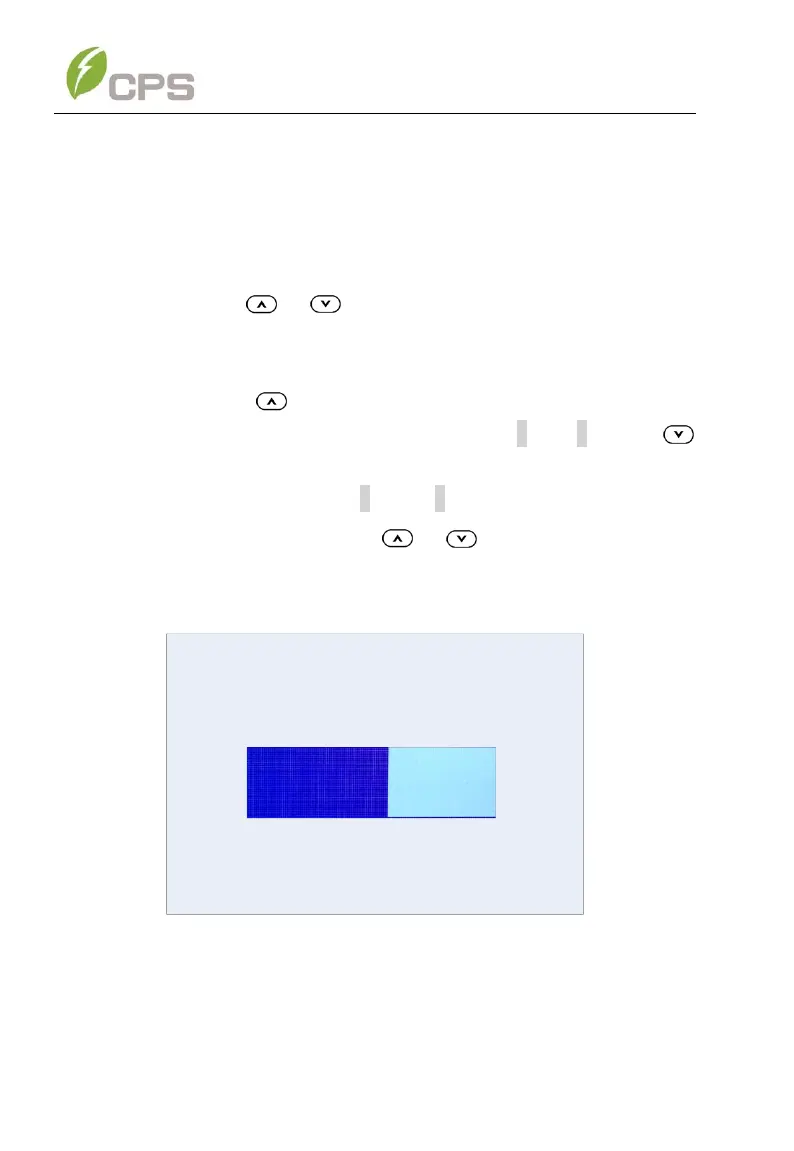
7. LCD Contrast Setting. Press or to increase/decrease the
LCD contrast. Press ENT to accept changes.
Figure 6-7 LCD Contrast Grade Setting
6.2.2 Control Command
There are five submenus in the “Control Command” menu:



 To Next Page