139
8.1.4 Replace the Inverter
Please confirm the following items before replacing the inverter:
The AC breaker of inverter is turned off.
The DC switch of the inverter is turned off.
Now replace the inverter according to the following steps:
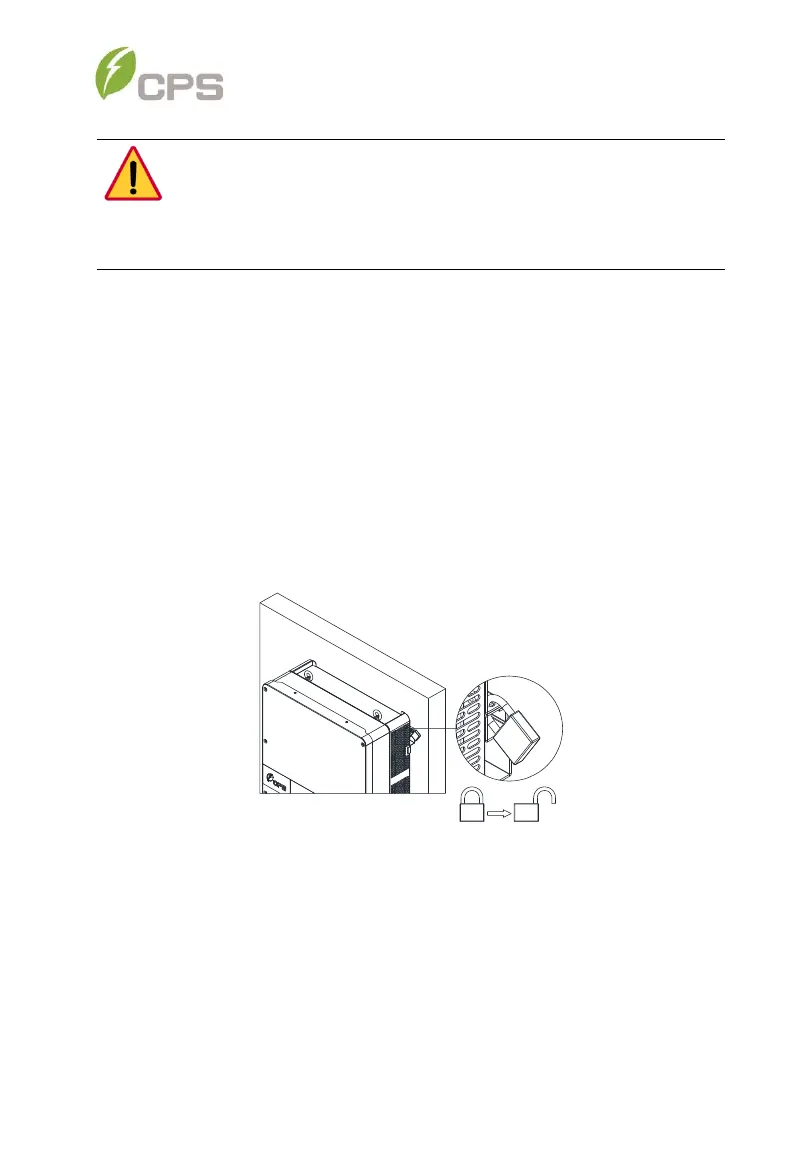
1. Unlock the padlock if one is installed on the inverter.
Figure 8-2 Unlock the padlock
DANGER:
Please disconnect the electrical connection in strict accordance with
the following steps. Otherwise, the inverter will be damaged and the
service personnel’s life will be endangered.



 To Next Page