Step 1
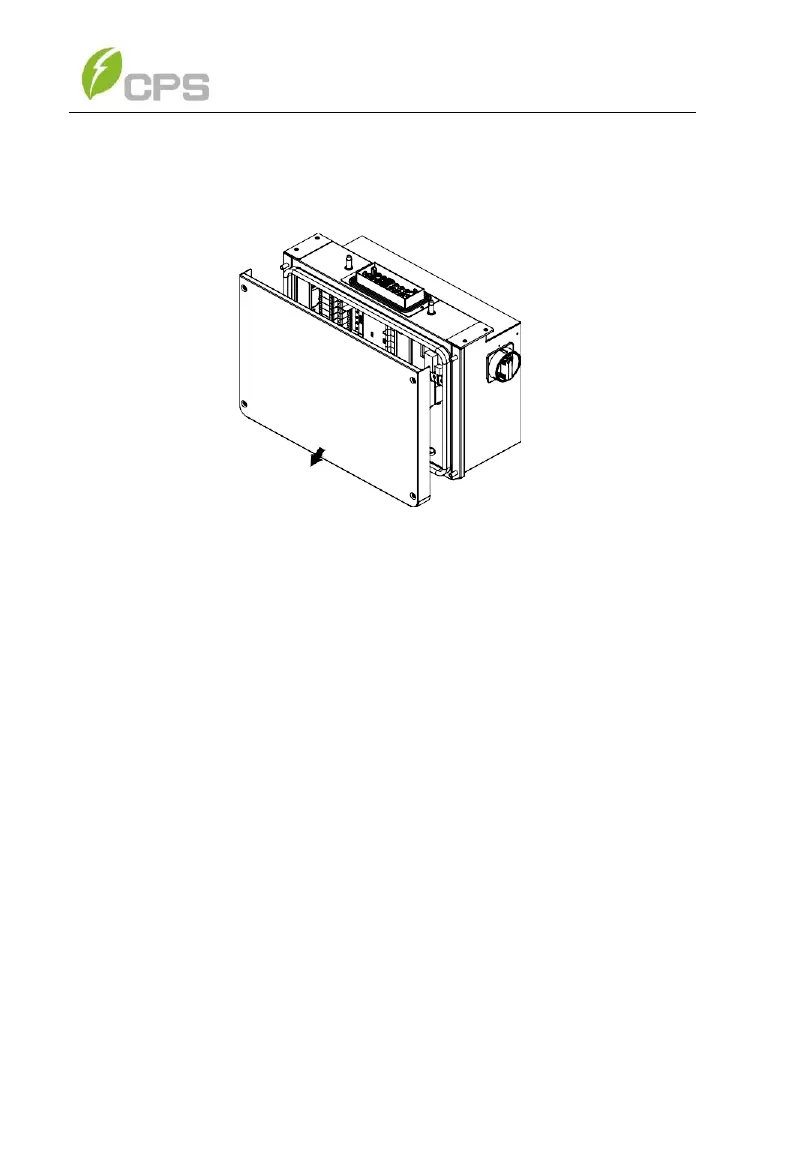
Use a No. 3 Philips head screwdriver to remove the 4
screws on the wiring box and remove the cover. (See
Figure 3-19)
Figure 3-19 Removing the Wiring Box Cover
To reinstall the cover, replace cover and align the screws. Use
a No. 3 Philips head screwdriver to secure the 4 screws on the
cover. Torque to 35.4 in-lbs (4 N.m.)



 To Next Page