About Your Creative Prodikeys 1-2
Removing the
Music
Keyboard
Cover
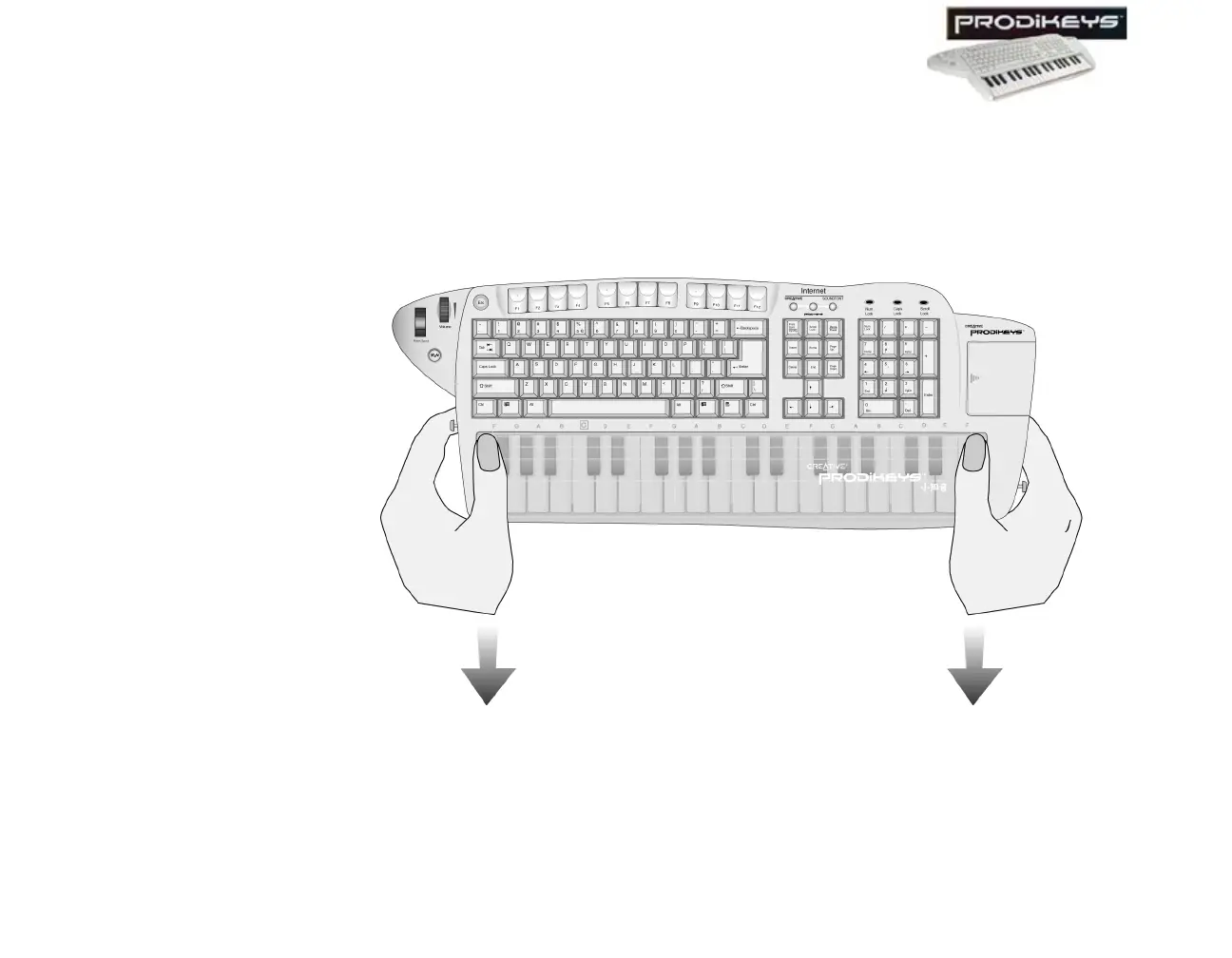
The music keyboard on your Creative Prodikeys is protected by a cover, which also
acts as a palm rest as you type. To use the music keyboard, you will need to
remove the cover.
To remove the music keyboard cover: Press down the upper corners of the
cover and slide it out, as shown below.
Figure 1-2: Removing the music keyboard cover.



 To Next Page