Using Your Creative Prodikeys 3-10
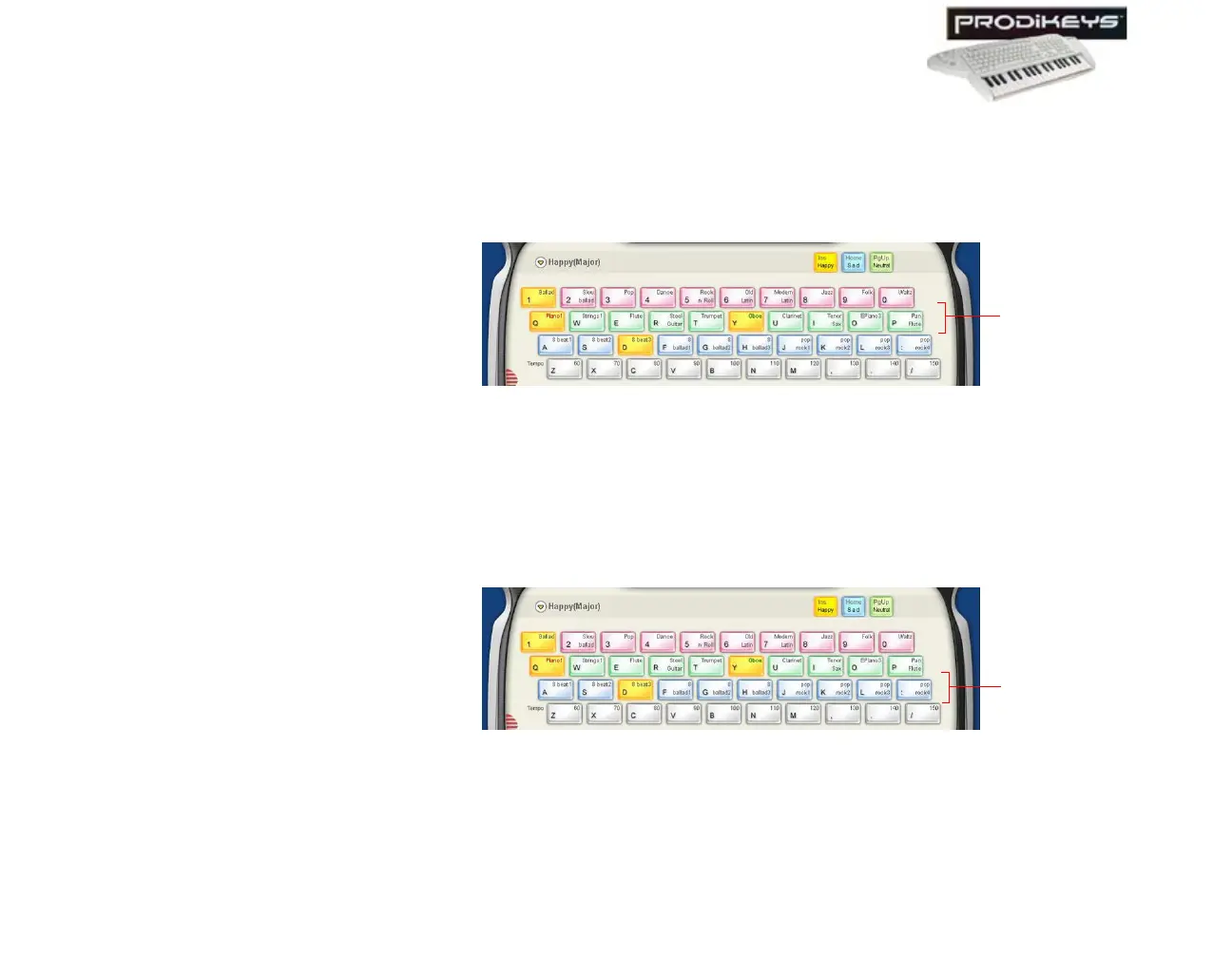
To select a main instrument: Click the Instrument keys in the Creative
Prodikeys software, or press the corresponding keys on your computer keyboard.
To select a second instrument (or cancel the selection): Double-click the
Instrument keys in the Creative Prodikeys software, or press the corresponding
keys quickly twice on your computer keyboard.
Step 5: Selecting
Rhythms
For the music style that you have selected, a matching set of rhythms will be made
available.
To select a rhythm: Click the Rhythm keys in the Creative Prodikeys software, or
press the corresponding keys on your computer keyboard.
Figure 3-14
Instrument
keys
Figure 3-15
Rhythm
keys



 To Next Page