Using Your Creative Prodikeys 3-35
Recording Your
Music
You can record the music that you have created, and use it for presentations and
home video productions, or send it to friends to impress them! You can also save it
as a MIDI file and edit it with a MIDI sequencer.
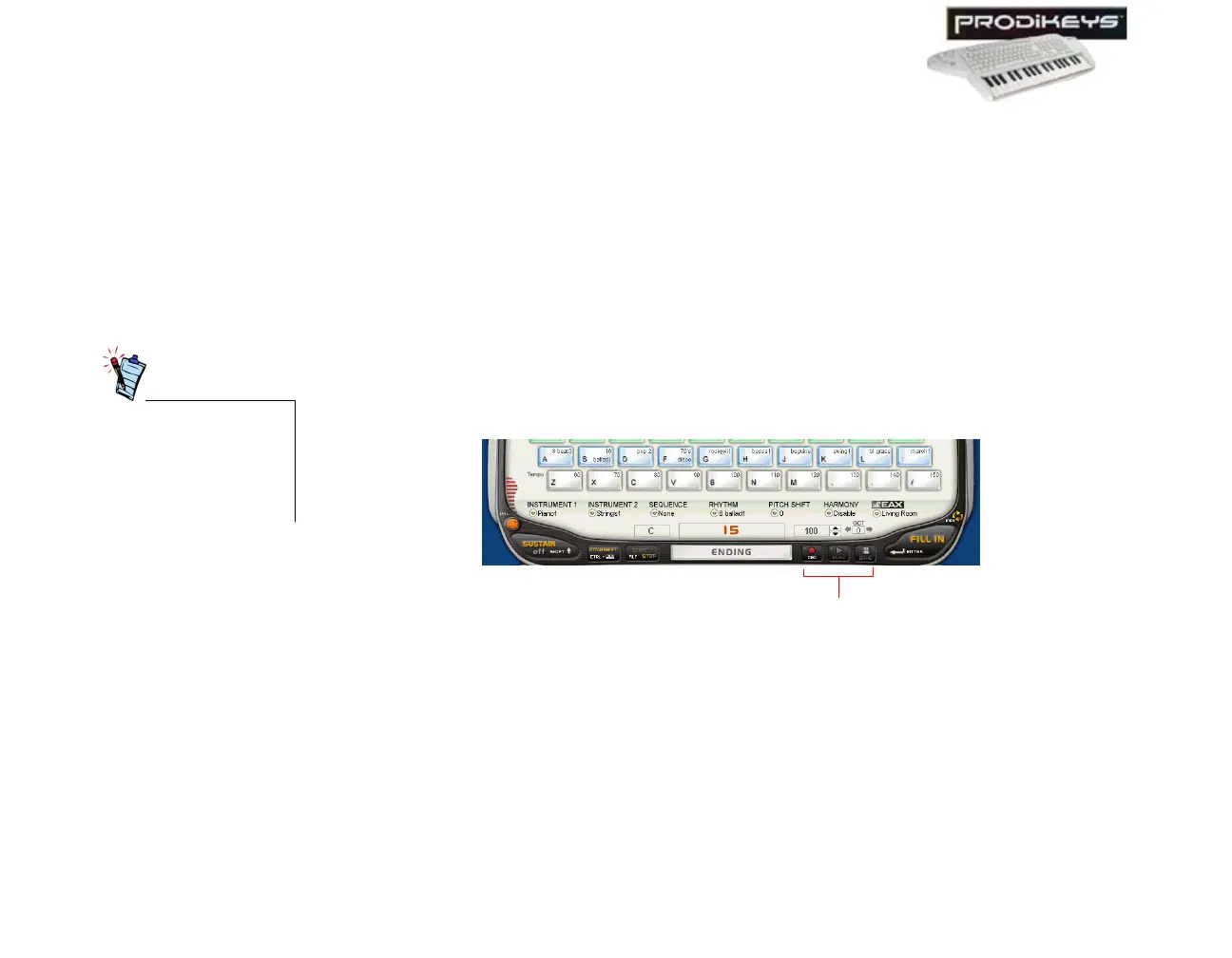
To record your music:
1. In the Creative Prodikeys software, click the
Record
button.
2. Play your song on the music keyboard.
3. When you are done, click the
Record
button again to stop the recording.
4. Click the
Play
button to listen to what you have just played.
5. Click the
Save
button to save your recording.
You can save your recording in WAV or MP3 format in all modes.
You can save your recording in MIDI format in all modes except for the Penta
Tunes and Fun Tunes sub-modes.
Figure 3-54
Record, Play and
Save buttons
To play back WAV or
MP3 files on your
computer, you need a
media player capable
of playing such files.



 To Next Page