Using Your Creative Prodikeys 3-33
Shifting the Pitch
of the Music
Keyboard
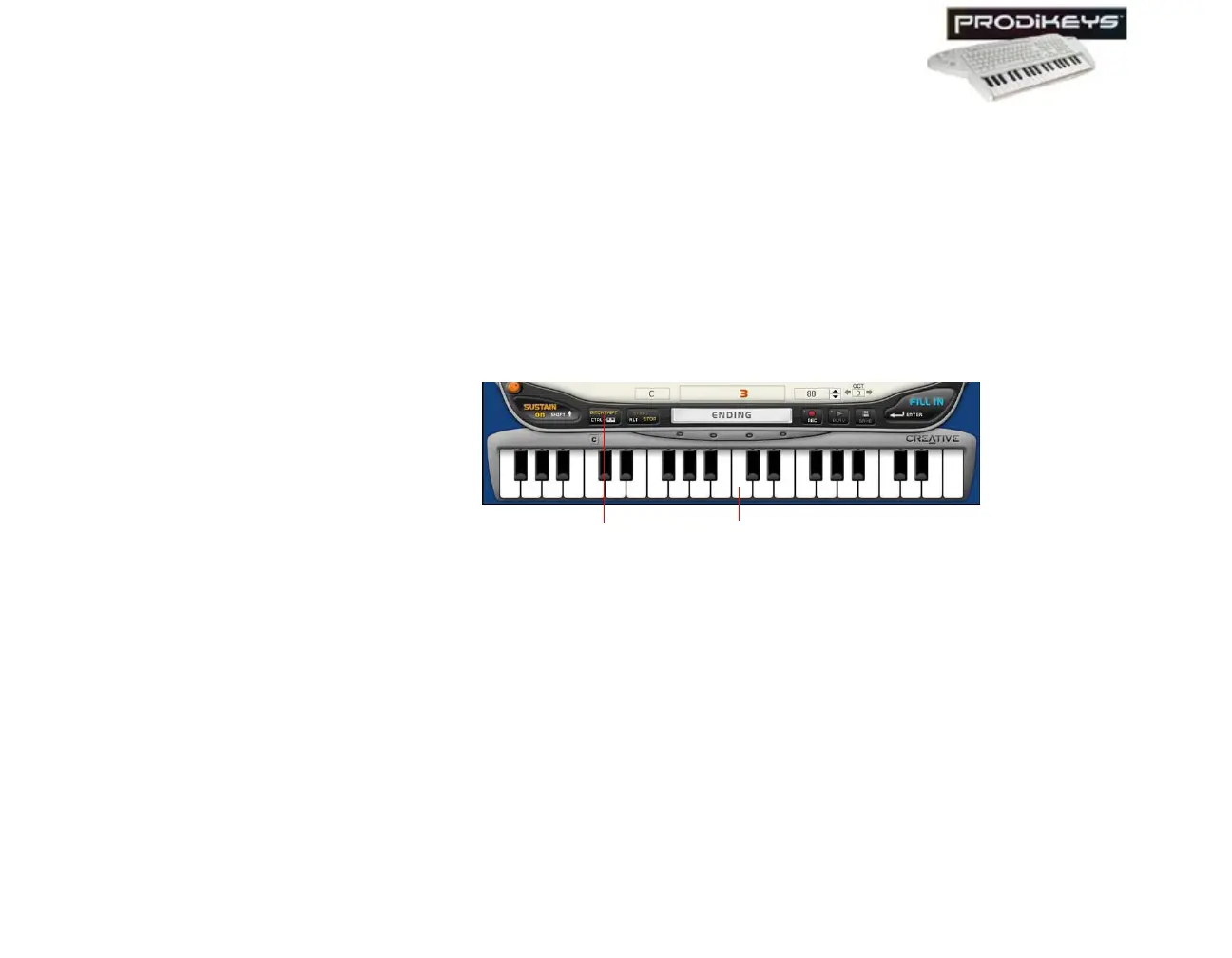
In some modes within Creative Prodikeys, you can shift the pitch of all the keys on
the music keyboard.
To shift the pitch:
1. Click the
Pitch Shift
button in the Creative Prodikeys software.
2. In the dialog box that appears, click to select the number of semitones for the
pitch to be shifted, and then click the
Close
button.
You can also simultaneously press CTRL on the computer keyboard and press a
key on the music keyboard to shift the pitch. The Second C note represents 0 pitch
shift. Every key to the left and right represents a semitone decrease and increase
respectively.
Figure 3-51
Pitch Shift
button
Second
C note



 To Next Page