Using Your Creative Prodikeys 3-32
Other Features
of Creative
Prodikeys
Sustaining Notes
In some modes of Creative Prodikeys, you can sustain notes played on the music
keyboard.
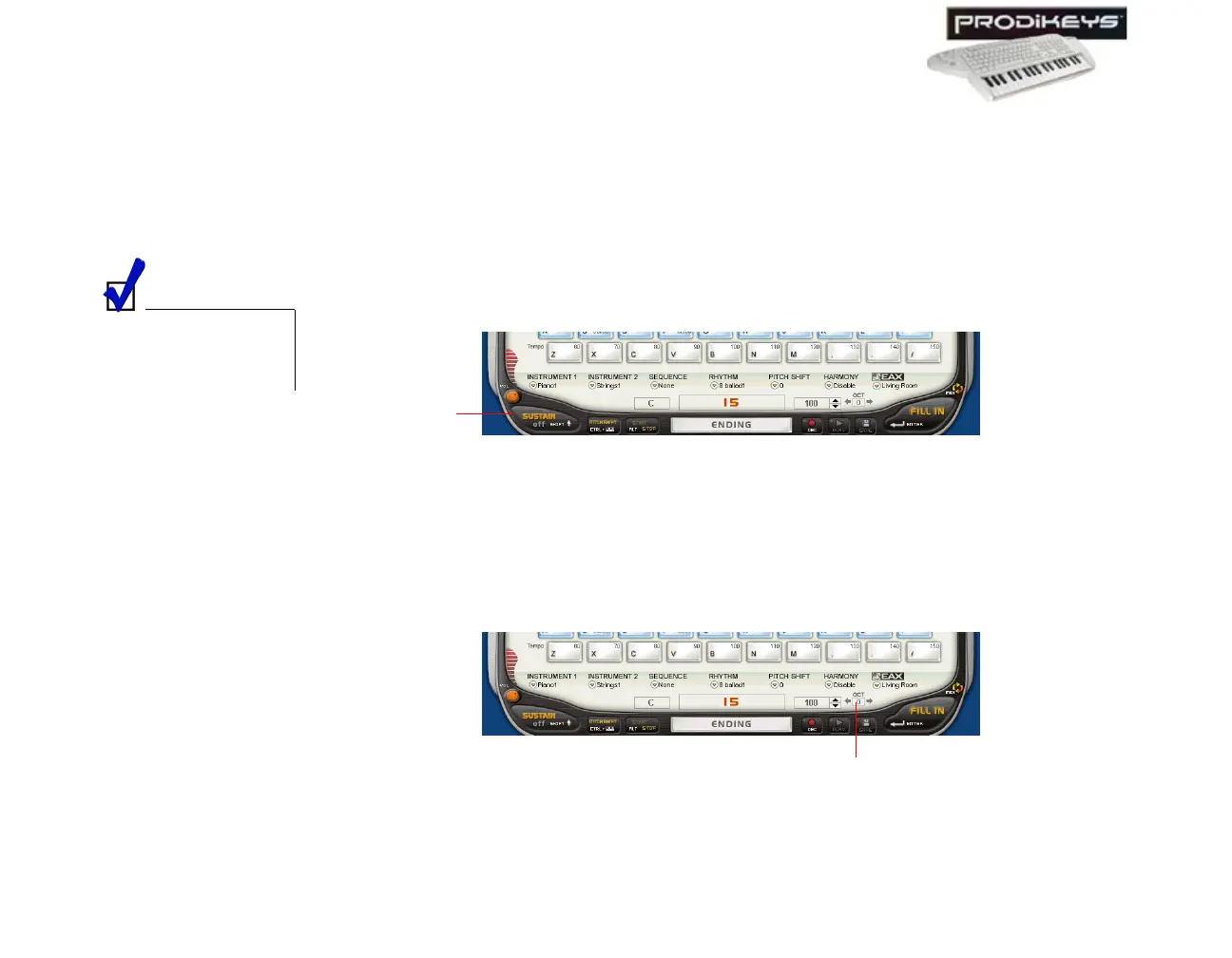
To enable (or disable) the sustain feature: Click the Sustain button in the
Creative Prodikeys software, or press SHIFT on your computer keyboard.
Changing the
Octave
The Creative Prodikeys music keyboard can be expanded virtually from 37 keys to
109 keys, by changing the keys on the music keyboard to a higher or lower octave.
This feature is only available in some modes within Creative Prodikeys.
To change the octave: Click the left or right arrow beside the Octave box in the
Creative Prodikeys software, or press LEFT or RIGHT on your computer keyboard.
This feature is only
available for some
instruments.
Figure 3-49
Sustain
button
Figure 3-50
Octave
box



 To Next Page