Using Your Creative Prodikeys 3-21
Step 5: Selecting
the Music Score
Display Type
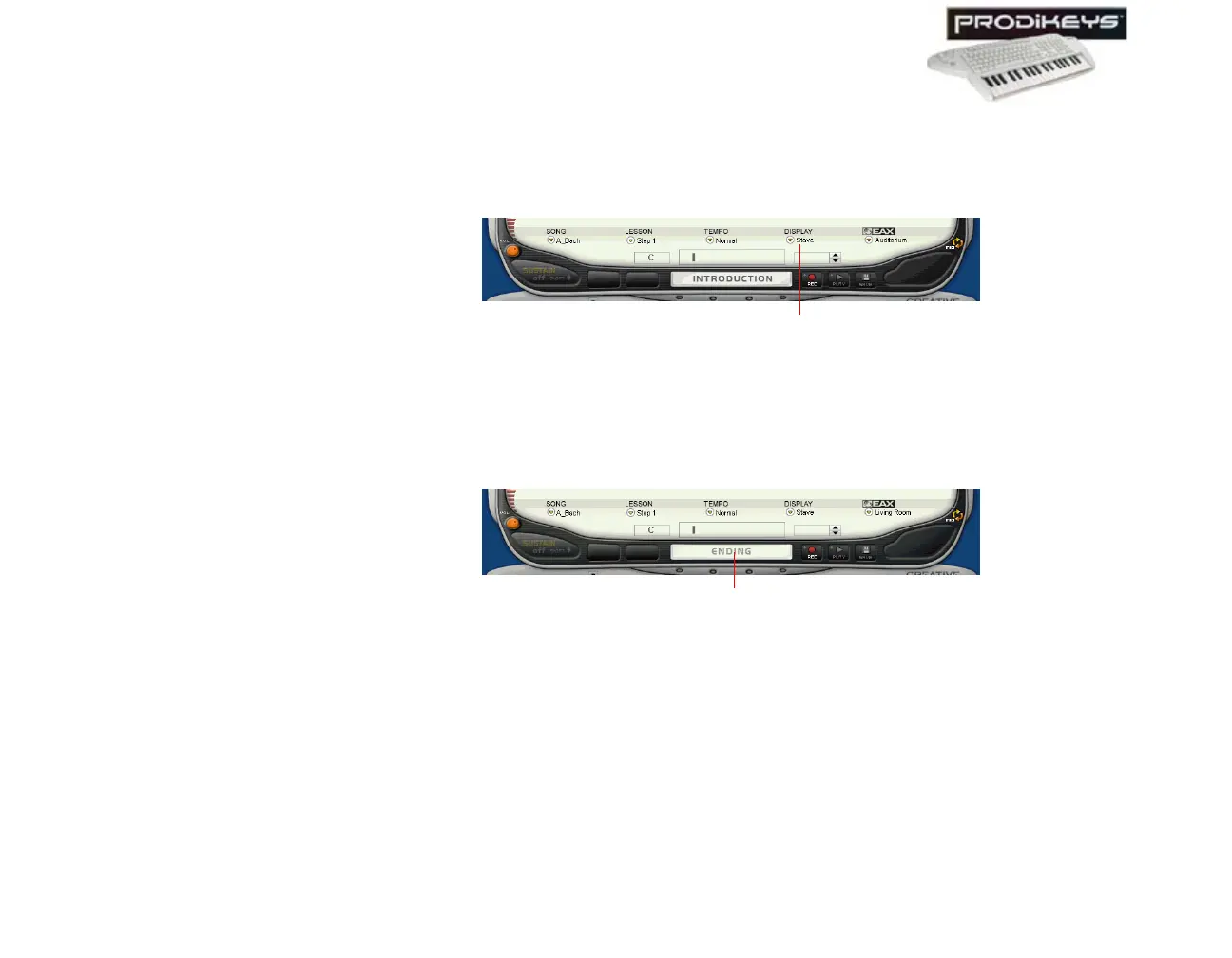
The music score in the Creative Prodikeys software can display music notes in the
western Stave notation or the Chinese Jianpu numeric notation.
To select the music score display type: In the Creative Prodikeys software,
click the Display button.
Step 6: Stopping
Lessons
You can stop a lesson before it ends.
To stop a lesson: Click the Introduction/Ending button in the Creative
Prodikeys software, or press SPACEBAR on your computer keyboard.
Figure 3-32
Display button
Figure 3-33
Introduction/
Ending button



 To Next Page