Using Your Creative Prodikeys 3-20
Step 4: Starting
the Lesson
You are now ready to start your lesson!
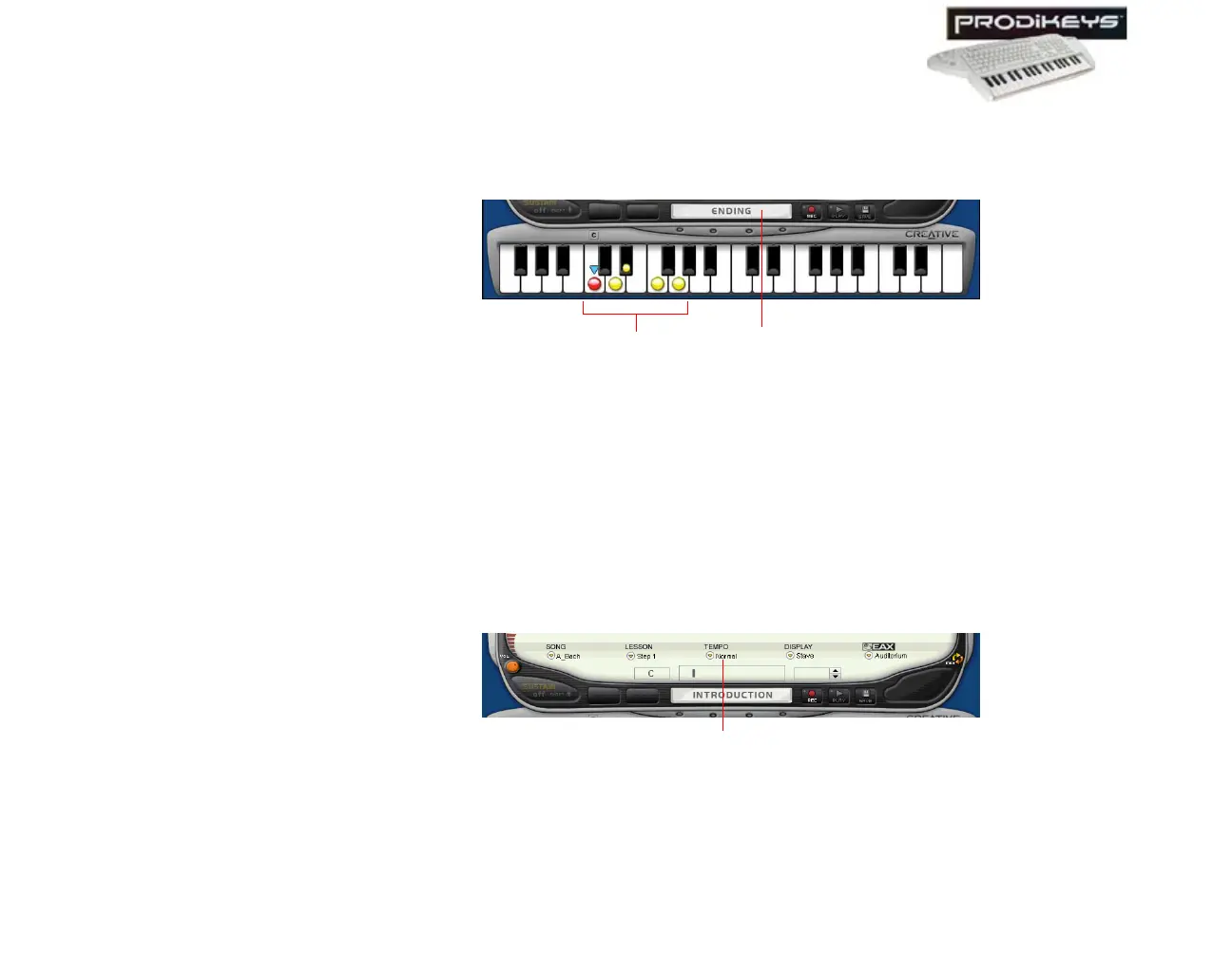
To start the Lesson: Click the Introduction/Ending button in the Creative
Prodikeys software, or press SPACEBAR on your computer keyboard.
Follow the guiding markers (if available) in the Creative Prodikeys software to play
the keys on your music keyboard.
Step 5: Selecting
Tempos
If you feel that the speed of the song in the lesson is too fast or slow, you can
adjust the tempo.
To select a tempo:
1. In the Creative Prodikeys software, click the Tempo button.
2. In the dialog box that appears, click the tempo you want and then click the
Close
button.
Figure 3-30
Guiding markers
Introduction/Ending button
Figure 3-31
Tem po b utt on



 To Next Page