Using Your Creative Prodikeys 3-28
Step 11: Adding
Rhythm Fill-Ins
To make it more interesting, try adding rhythm fill-ins to create variations in your
song.
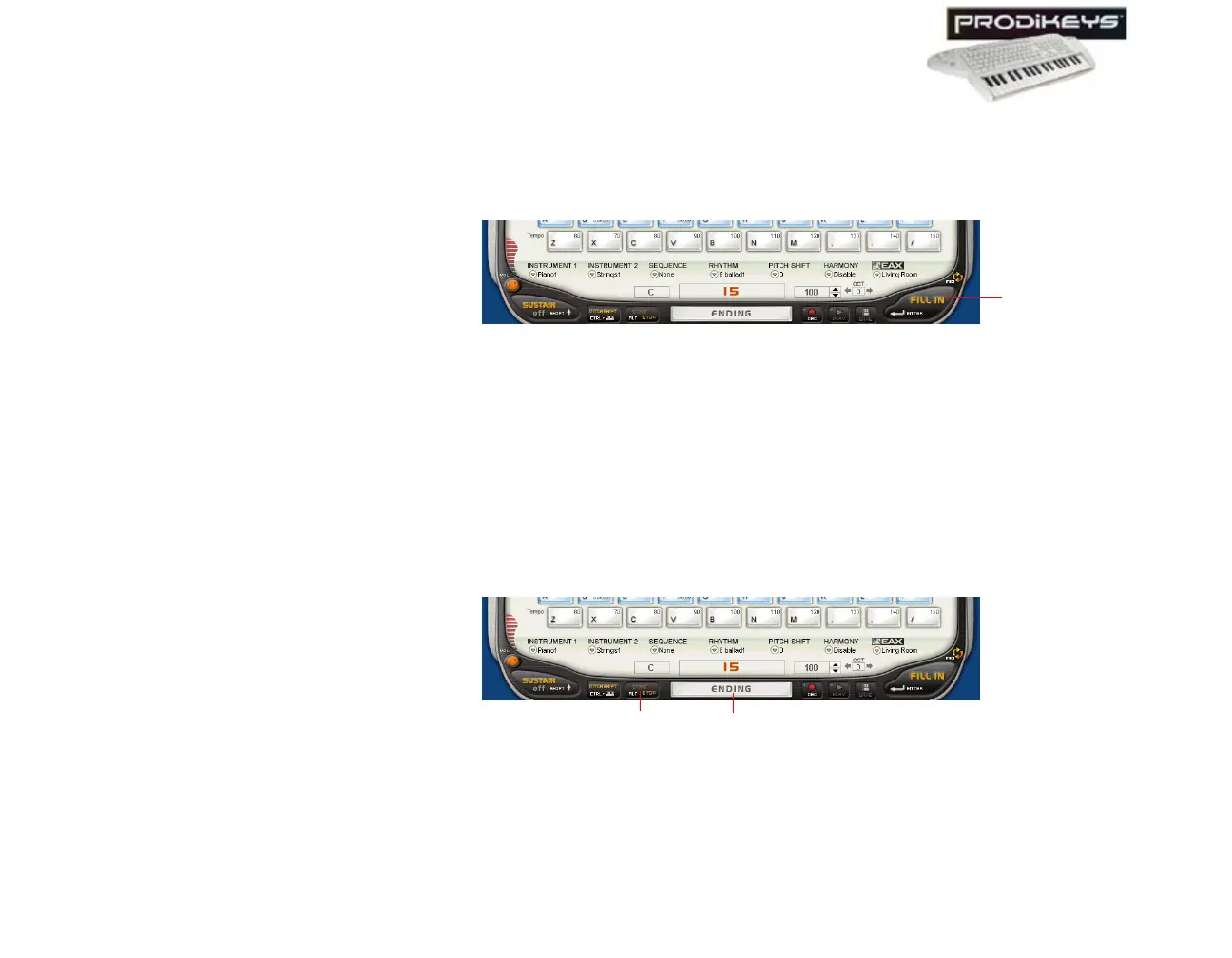
To add rhythm fill-ins: Click the Fill In button in the Creative Prodikeys
software, or press ENTER on your computer keyboard.
Step 12: Stopping
the Rhythm
When you have finished playing, you can stop the rhythm with or without an
ending rhythm pattern.
To stop the rhythm with an ending rhythm pattern: Click the Introduction/
Ending button in the Creative Prodikeys software, or press SPACEBAR on your
computer keyboard.
To stop the rhythm without an ending rhythm pattern: Click the Start/Stop
button in the Creative Prodikeys software, or press ALT on your computer
keyboard.
Figure 3-43
Fill In
button
Figure 3-44
Start/Stop
button
Introduction/
Ending button



 To Next Page