Using Your Creative Prodikeys 3-7
Step 2: Selecting
Music Styles for
Your Mixes
Different music styles provide different sets of drums, bass, accompaniments,
phrases and sound effects for you to mix with. There are many styles for you to
choose from.
To select a music style:
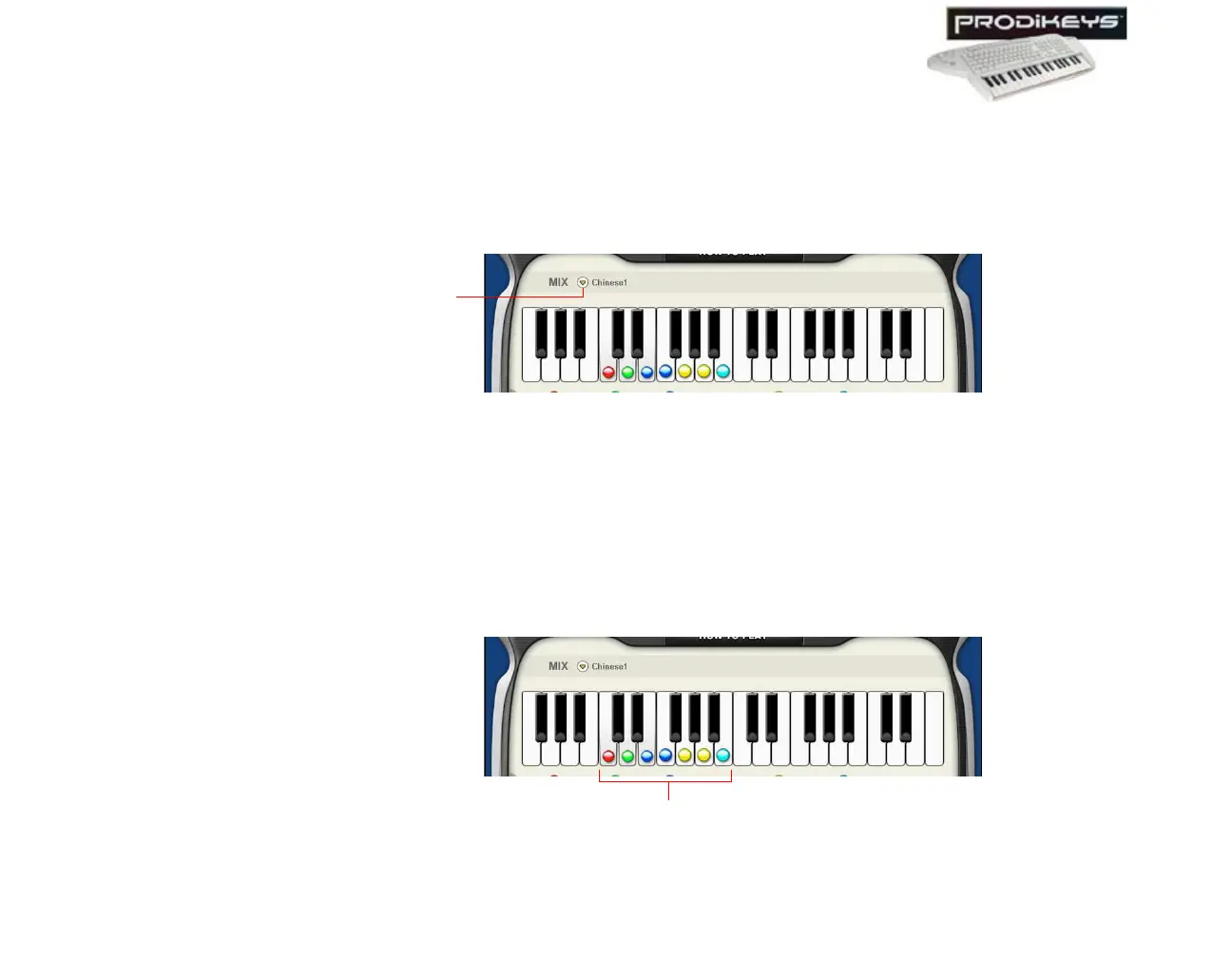
1. In the Creative Prodikeys software, click the
Mix
button.
2. In the dialog box that appears, click the music category you want.
3. Click the music style you want, and then click the
Close
button.
Step 3: Creating
Music Mixes
You are now ready to mix!
To create a music mix: Press the keys on your music keyboard that correspond
to the keys in the Creative Prodikeys software (with colored dots).
Figure 3-9
Mix
button
Figure 3-10
Keys with colored dots



 To Next Page