Product Manual – DOC. 7844M CCS-UC-1: Crestron Mercury Tabletop Conference System • 75
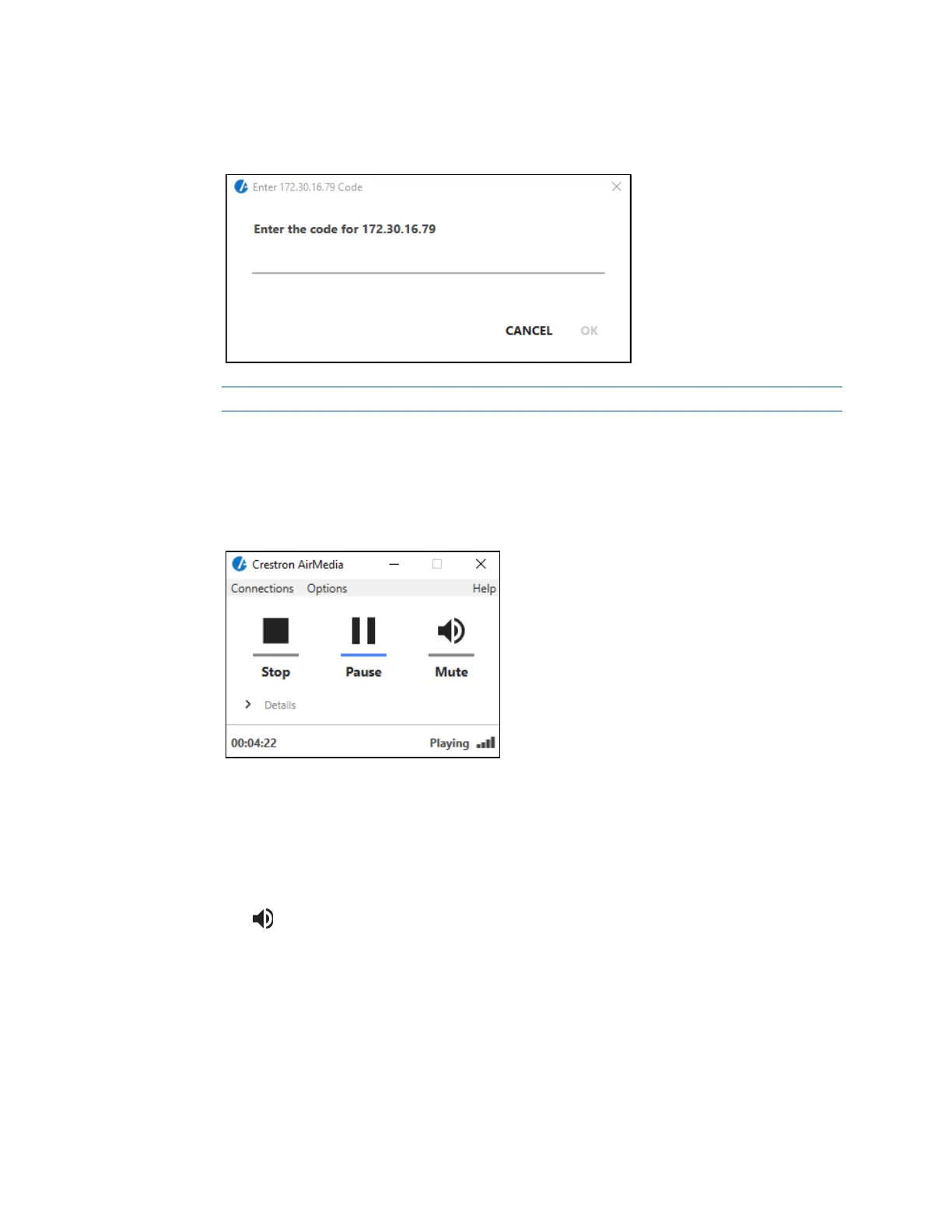
1. Run the client application. The Enter Code dialog box is displayed.
Enter Code Dialog Box
.
NOTE: If a code is not displayed, the presentation controls are displayed.
2. Enter the code displayed on the display device and click OK. The client establishes
a connection between the computer and the CCS-UC-1. The client also displays
the presentation controls on the computer while the contents of the computer
screen are shown on the display connected to the CCS-UC-1.
Presentation Controls
3. Direct the presentation with the following controls:
− A Stop showing the computer’s screen.
− H Start showing the computer’s screen.
− b Freeze the computer’s screen.
− Mute the audio output to the device.
− - Minimize the presentation control screen.
− X Close the client application and the connection between the computer and
the device.
− Click Details for additional controls and information.
The Video Source control allows the user to select between the primary
desktop, additionally attached desktops, or an extended desktop (if
available).



 To Next Page
 Loading...












