Software Crestron SIMPL™ Windows
90 • Crestron SIMPL Windows Installation & Operations Guide – DOC. 5728C
Consider Commented Out Symbols and Devices
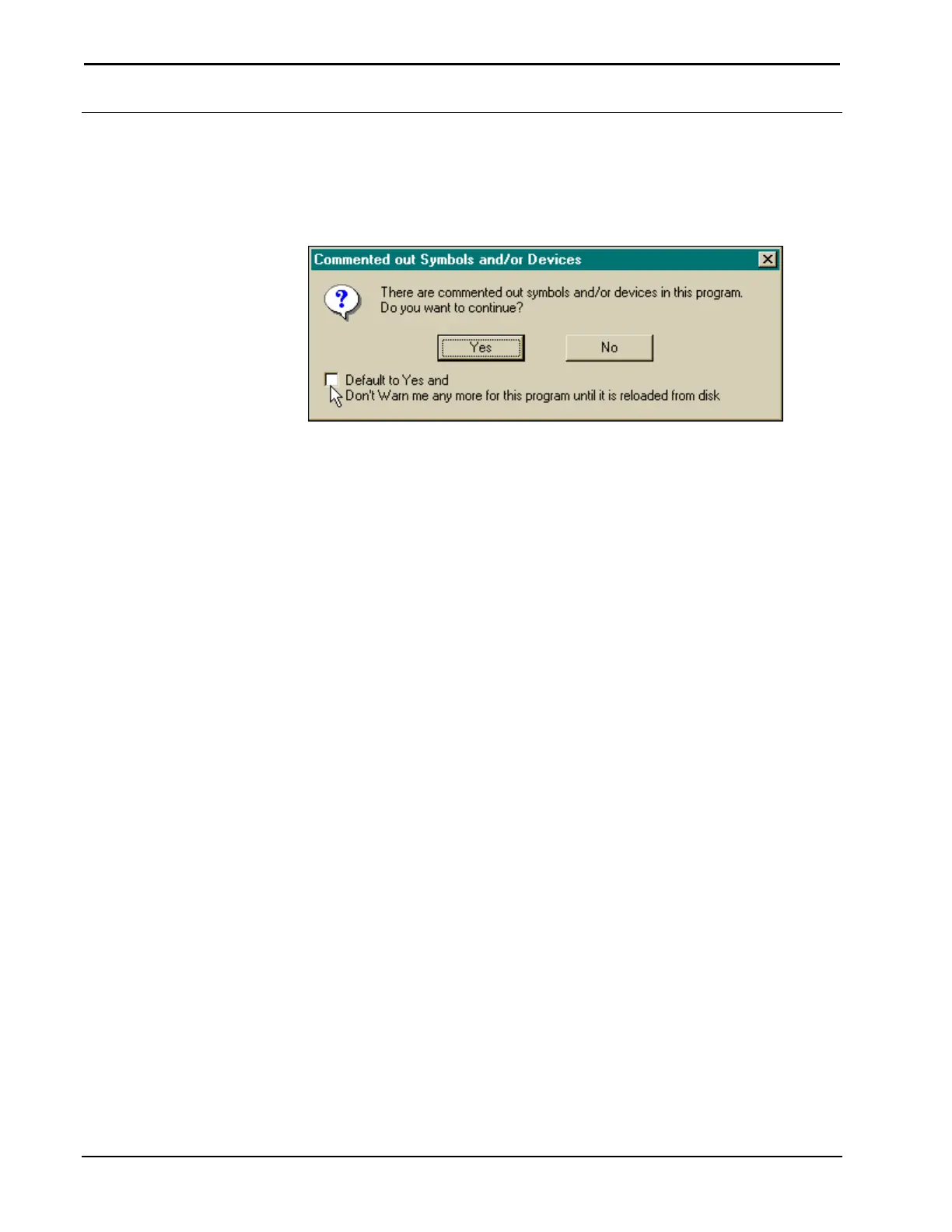
If a project containing commented out symbols are devices is compiled, the
"Commented out Symbols and/or Devices" dialog box appears, shown after this
paragraph.
"Commented out Symbols and/or Devices" Dialog Box
The user has the option to continue or cancel. It is also possible to avoid this prompt
during each compile. Simply check the box at the bottom of the dialog box.



 To Next Page