Crestron SIMPL™ Windows Software
Programming Features
Signal Colors
Signals are the elements used in your program to interconnect the various device and
logic symbols that comprise your program. Signals can be one of three types: digital,
analog, or serial. In SIMPL Windows the three signal types are color-coded as
follows:
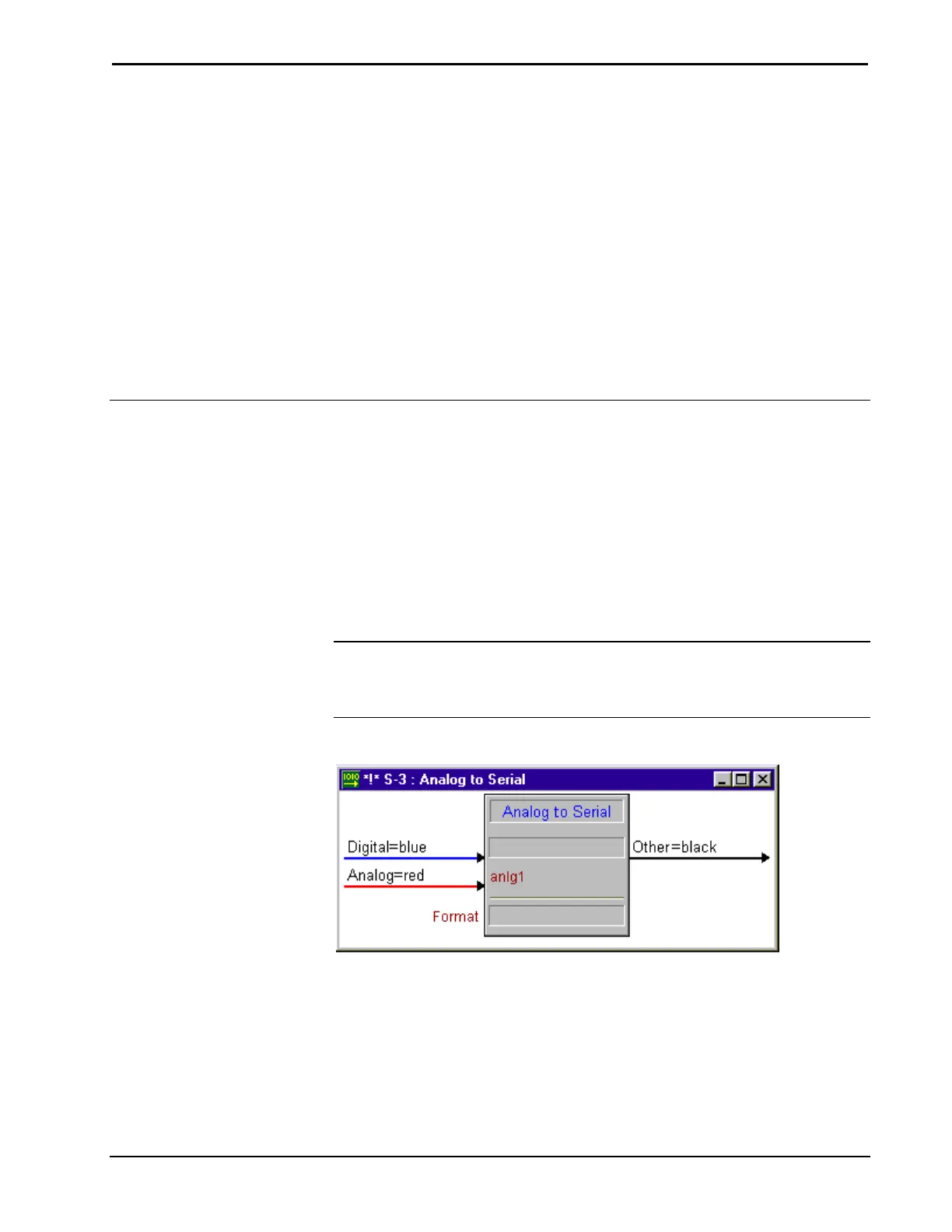
Digital = Blue
Analog = Red
Serial = Green
Other = Black
NOTE: “Other” signals are neither digital nor analog. These black signals may
indicate a combination of signals (e.g. many symbols accept either analog or serial
signals where the combination is shown as a black signal). The signal type is
displayed on the Status Bar when the signal is highlighted.
Example Signal Colors
Installation & Operations Guide – DOC. 5728C Crestron SIMPL Windows • 73



 To Next Page