Software Crestron SIMPL™ Windows
Accessing SIMPL+
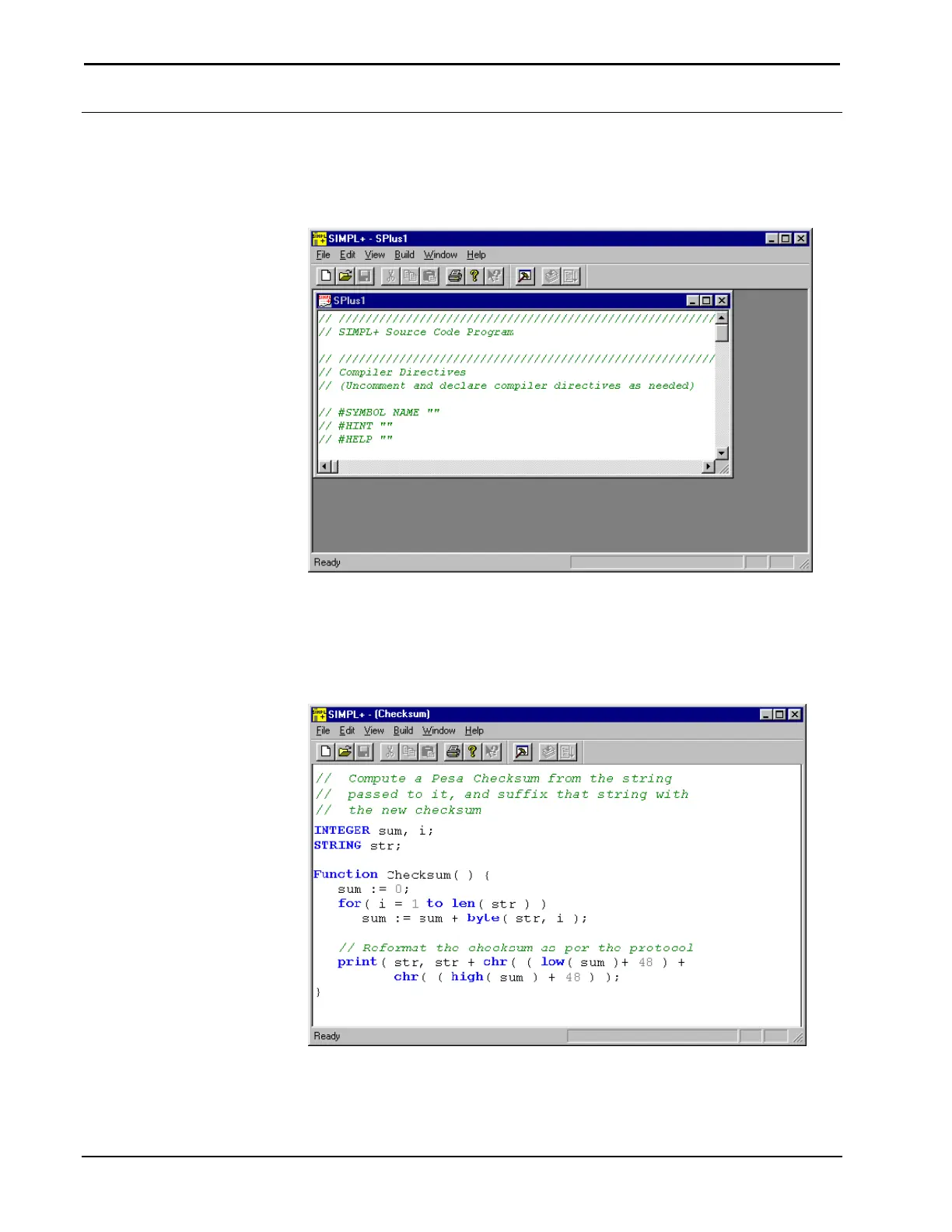
A new SIMPL+ program is started by selecting File | New SIMPL+… from SIMPL
Windows. The SIMPL+ Editor will be displayed.
SIMPL+ Start Screen
New SIMPL+ programs are saved as .usp files and reside in the User SIMPL+
folder.
Crestron prepared SIMPL+ programs can be imported by selecting File | Import
Crestron SIMPL+. Choose the .csp file to import and click Open.
SIMPL+ Example: Checksum
176 • Crestron SIMPL Windows Installation & Operations Guide –DOC. 5728C



 To Next Page