Software Crestron SIMPL™ Windows
Signal Operations
Navigating Symbol Inputs and Outputs
You can easily navigate a given symbol by using the arrow keys. Move from input
to output using the Tab key.
Create New Signals
Once a symbol input or output is assigned a signal name, a signal has been created.
To create a new signal, assign a name to a symbol input or output:
In Detail View
1. Double-click on an input or output arrow. A blinking cursor will
appear.
2. Enter a signal name you decide upon, or use AutoName.
AutoName's recommendation will always assure you of a unique signal
name, one that is not currently used in your program. If you select your
own signal name, instead, you will be automatically alerted if the signal
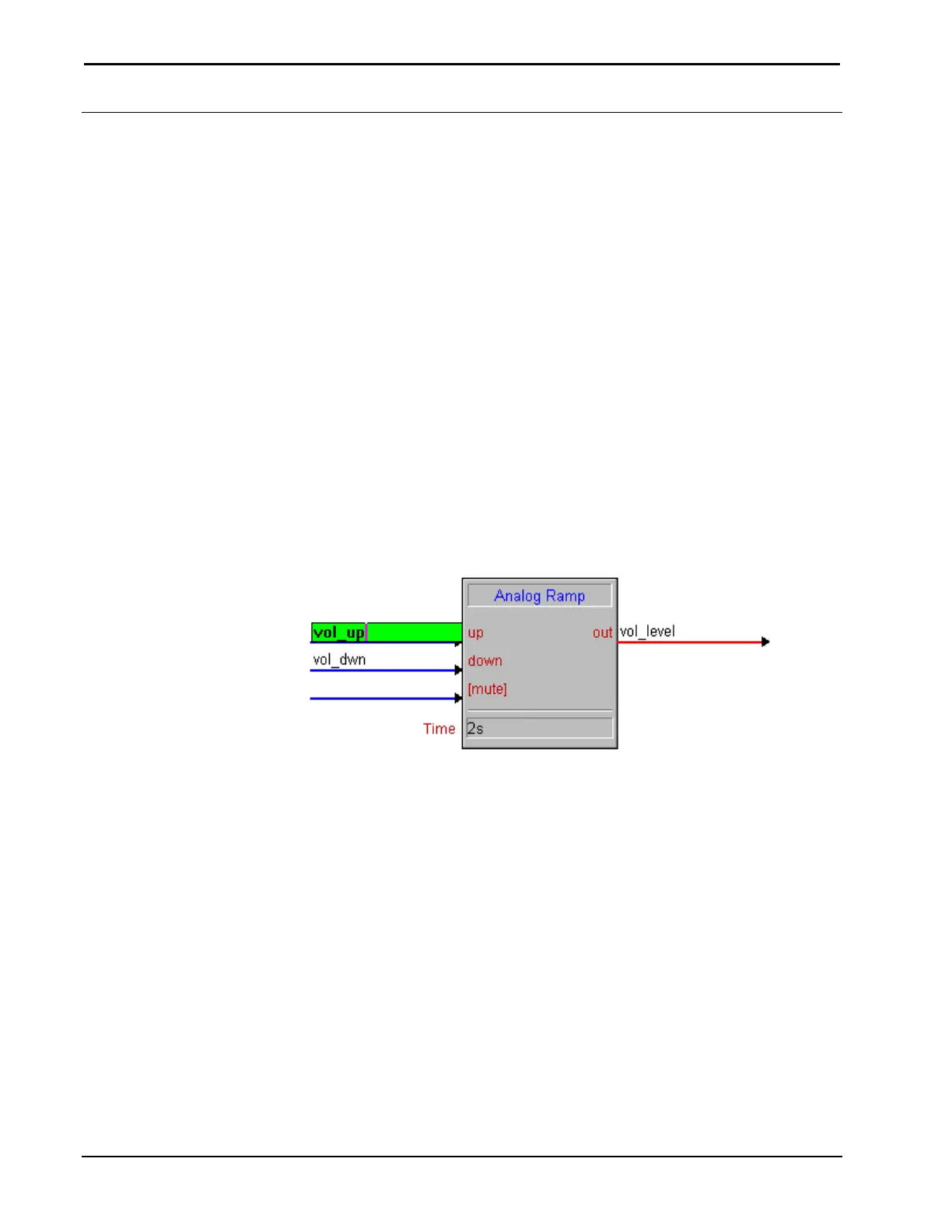
name already exists, because the input or output background will be
green in color.
Enter Signal Name – Detail View
3. Press Enter on your keyboard.
In Program View
1. Navigate through the Program Tree, and find the particular input or
output.
2. Double-click the input or output.
3. Enter a signal name
74 • Crestron SIMPL Windows Installation & Operations Guide –DOC. 5728C



 To Next Page