Crestron SIMPL™ Windows Software
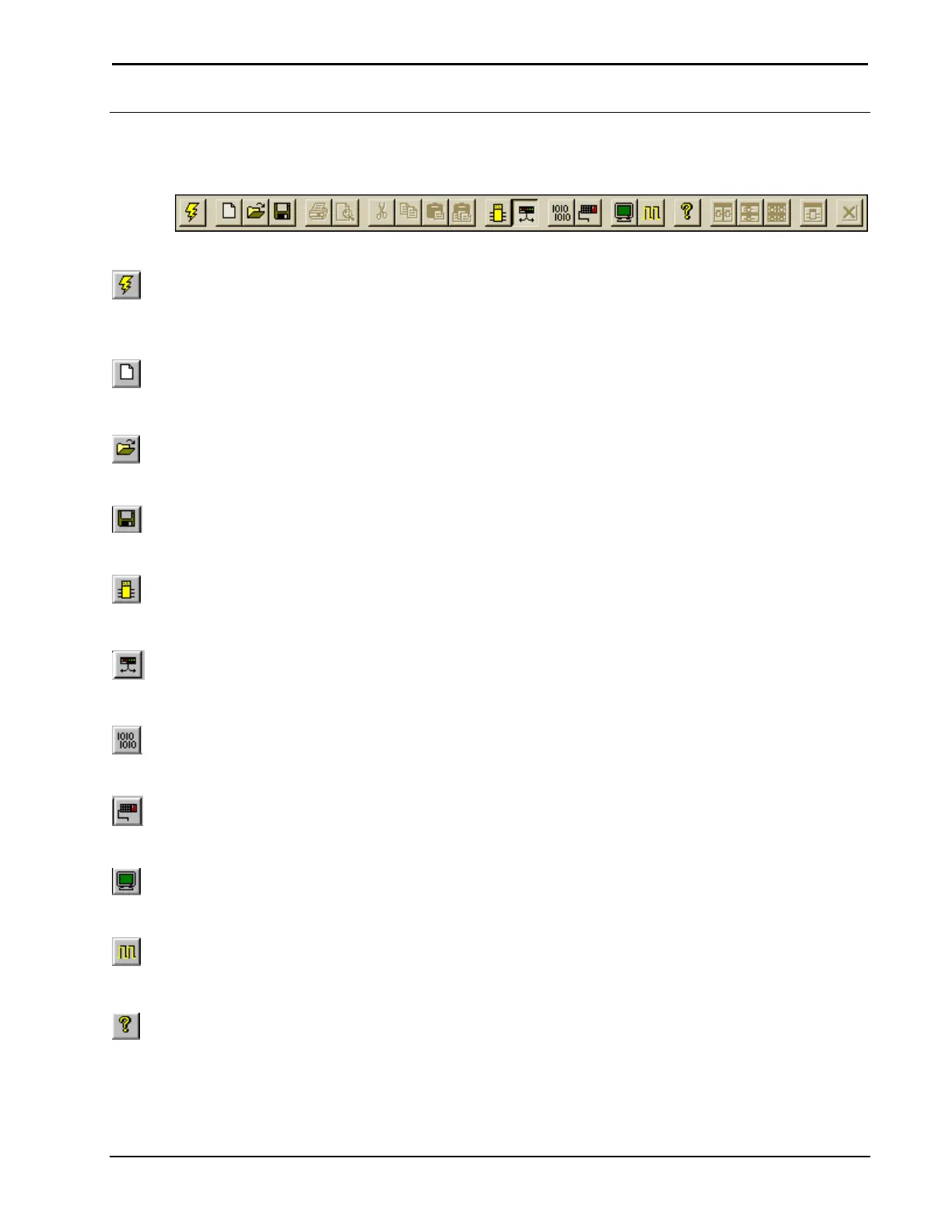
Configuration Manager Button Bar
The Configuration Manager Button Bar allows short cuts with only one mouse click.
Configuration Manager Button Bar
Start
Start – "QuickAccess"
Window
The lightning bolt icon will display the "QuickAccess" window.
New Program
New Program
New Program button will begin new programs with the "Program Header
Information" window.
Open Program
Open
The open folder icon will open an existing program.
Save Program
Save
The floppy disc icon is a shortcut for save. It will save the current program.
Program Manager
Program Manager
Program Manager button switches current program to Program Manager for
programming activities.
Configuration Manager
Configuration Manager
Configuration Manager button switches current program to Configuration Manager
for system building activities.
Convert/Compile
Convert/Compile
Convert / Compile checks the program for errors and compiles.
Transfer Program
Transfer Program
Transfer Program icon transfers program to the control system.
ViewPort
ViewPort
ViewPort button launches the SIMPL Windows ViewPort.
Test Manager
Test Manager
Test Manager button tests and debug program. Realtime monitoring of signal
activity.
Help
Help
This button displays the SIMPL Windows help files.
Installation & Operations Guide – DOC. 5728C Crestron SIMPL Windows • 25



 To Next Page