Software Crestron SIMPL™ Windows
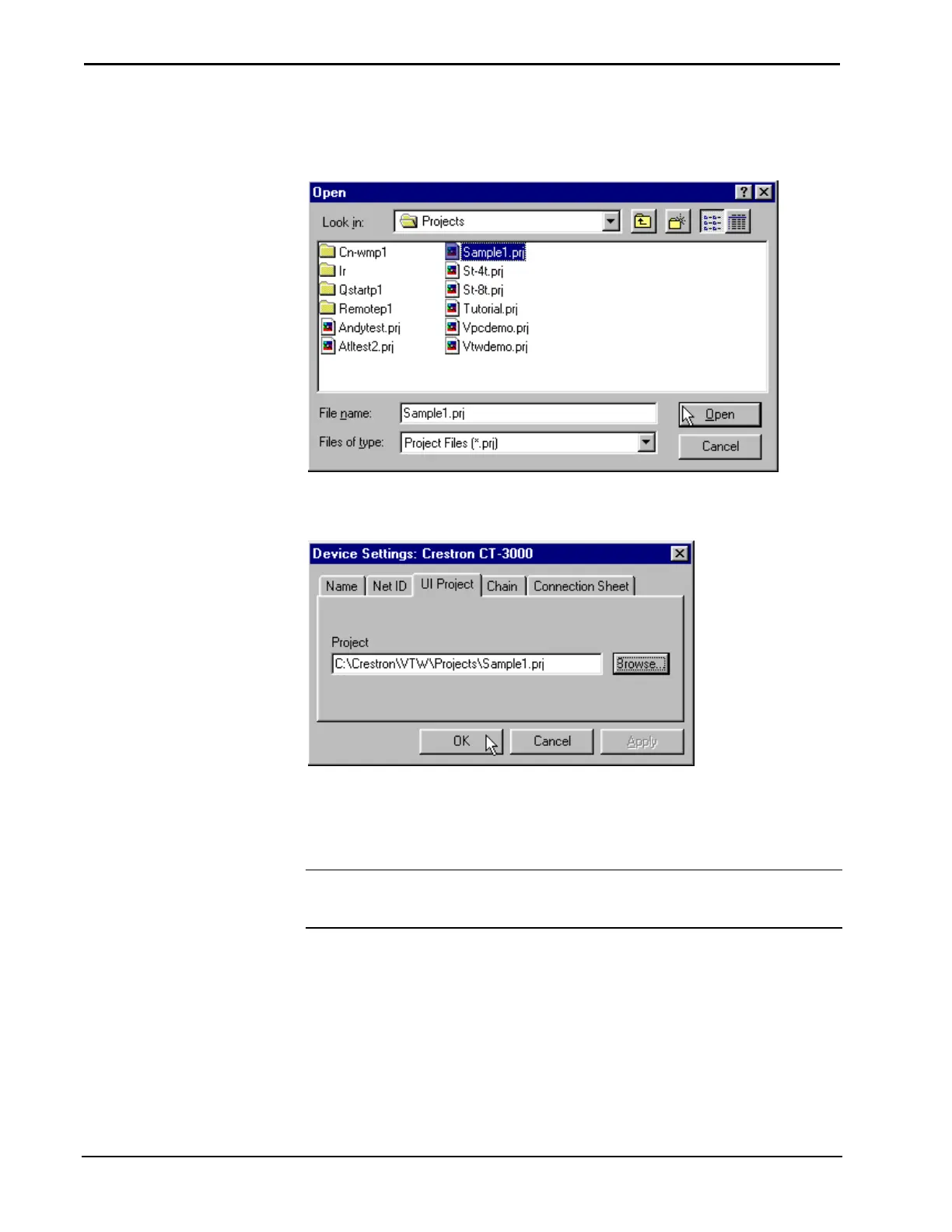
The Browse button will display a window where you can browse for a specific
project file. Select the .prj (VTW) or .vtp (VT Pro-e) file and click Open.
Select VisionTools Project
Verify that the Project path is correct and click OK.
Verify VisionTools Project Path
This process will load the VisionTools project and automatically create touchpanel
buttons, label signal names, and assign join numbers already specified in the
VisionTools project. This will become evident when the touchpanel is viewed in
Program Manager.
NOTE: This is not a “live” link to VisionTools software. The touchpanel buttons,
signal names, and join numbers are brought in when the UI project is specified. It
does not actively update.
40 • Crestron SIMPL Windows Installation & Operations Guide – DOC. 5728C



 To Next Page