Software Crestron SIMPL™ Windows
Starting Network Analyzer
Network Analyzer is started from the Windows Start Menu. Click on and
select Programs | Crestron | SIMPL Windows. Locate Network Analyzer in the
SIMPL Windows group of icons and open it by double clicking on it.
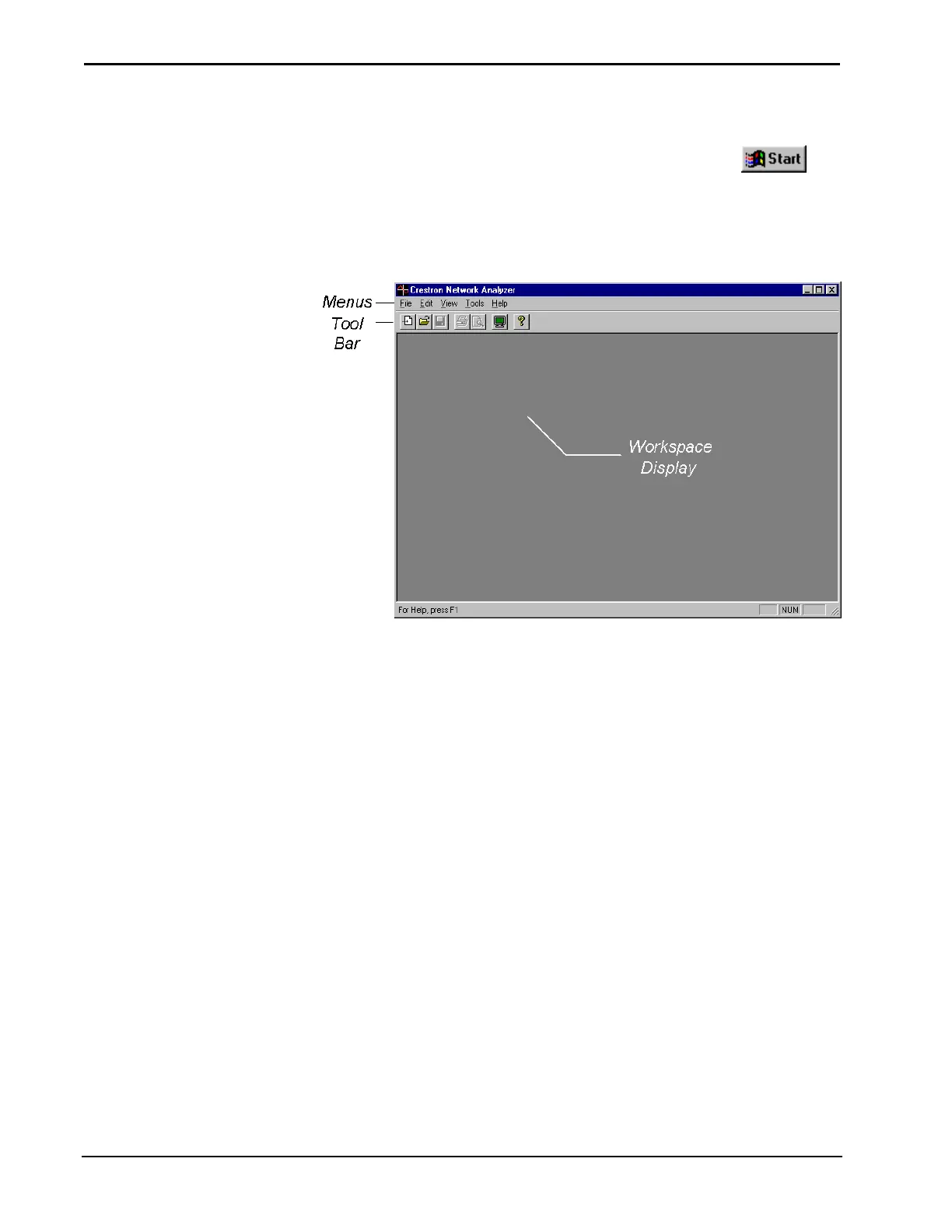
Network Analyzer will display an empty window as shown below.
Network Analyzer
Communication Settings
Network Analyzer needs to communicate with the system control processor (rack).
To edit the communication settings select Edit | Communication settings
(alternatively Alt+D). The "Port Settings" dialog box will be displayed. Make the
desired changes and click OK.
130 • Crestron SIMPL Windows Installation & Operations Guide – DOC. 5728C



 To Next Page