Software Crestron SIMPL™ Windows
20 • Crestron SIMPL Windows Installation & Operations Guide – DOC. 5728C
Program Header
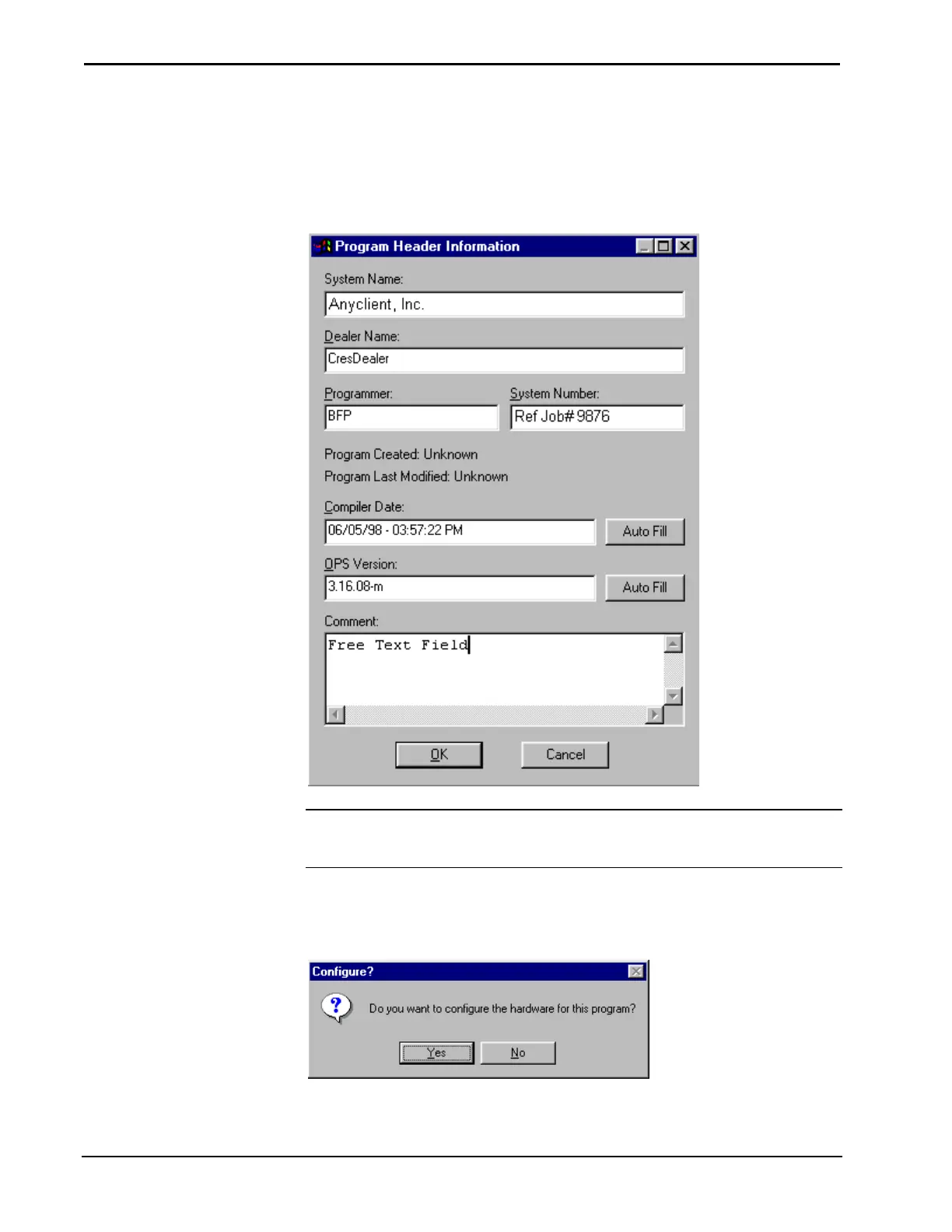
When a new program is started the "Program Header Information" window appears.
It is important to complete all the information, as it will be printed out on the
connection sheet.
"Program Header Information" Window
NOTE: Information entered into the Dealer Name and Programmer fields of the
"Program Header Information" dialog box are recalled from program to program
until SIMPL Windows is reloaded or upgraded.
After the "Program Header Information" dialog box is complete, click OK. SIMPL
Windows will ask if you want to configure the hardware for the system.
Configure? Window
Click Yes to display the Configuration Manager.



 To Next Page