Software Crestron SIMPL™ Windows
Deleting Devices
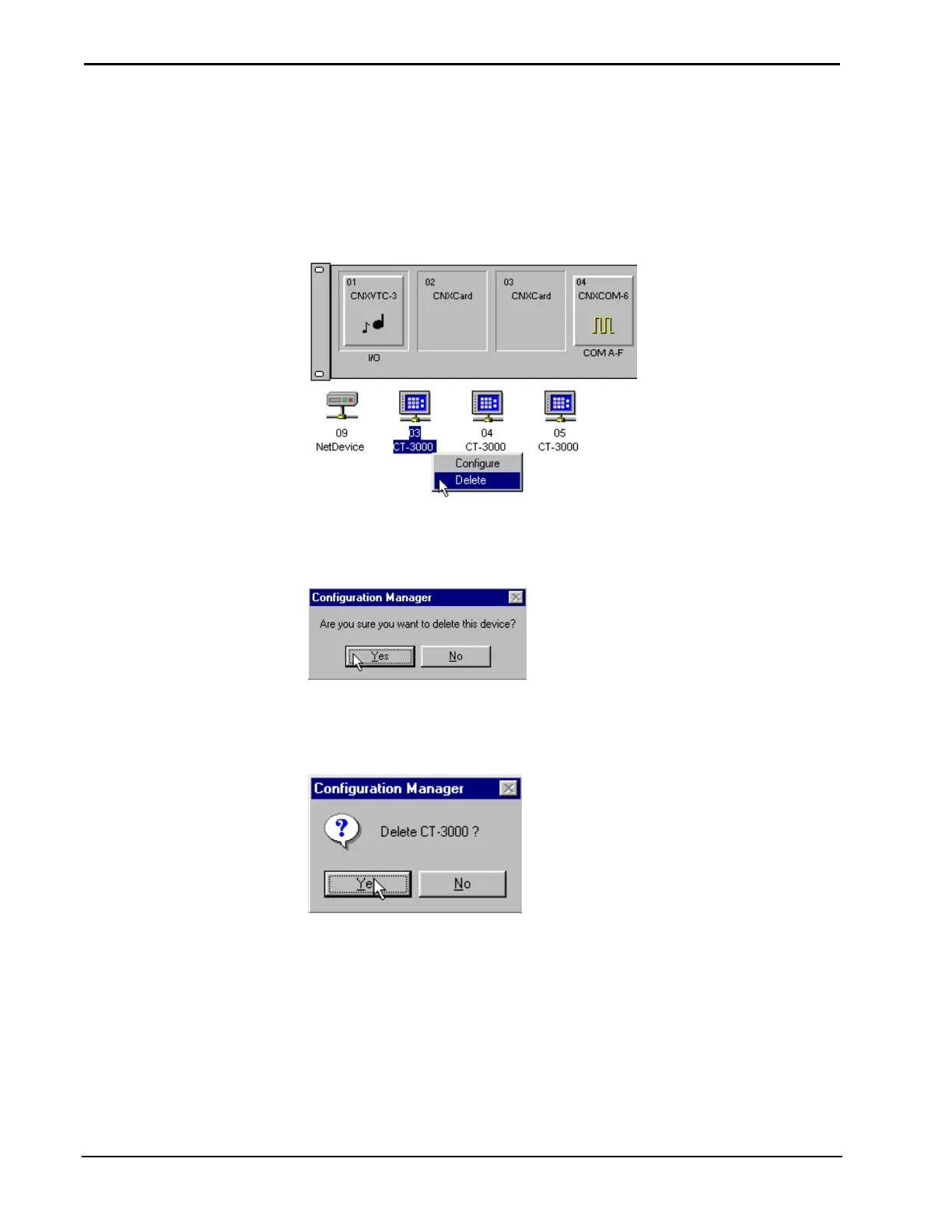
Devices can be deleted from Configuration Manager by selecting them and clicking
the right mouse button. Configuration Manager will display a choice box in which
you can choose either Configure or Delete.
Deleting a NetDevice
Configuration Manager will ask if you are sure that you want to delete the selected
device.
Delete Prompt
Users can also delete devices from the Configuration Manager’s System Device Tree.
SIMPL Windows displays a delete confirmation box. Select the appropriate button.
Confirming Deletion via the Device List
Automatically Configure Devices
The SIMPL Windows feature AutoFill automatically configures certain types of
devices. AutoFill automatically detects control system devices on your Cresnet
network, then configures your system, eliminating the need for programmers to
manually configure these devices in Configuration Manager.
38 • Crestron SIMPL Windows Installation & Operations Guide – DOC. 5728C



 To Next Page