Software Crestron SIMPL™ Windows
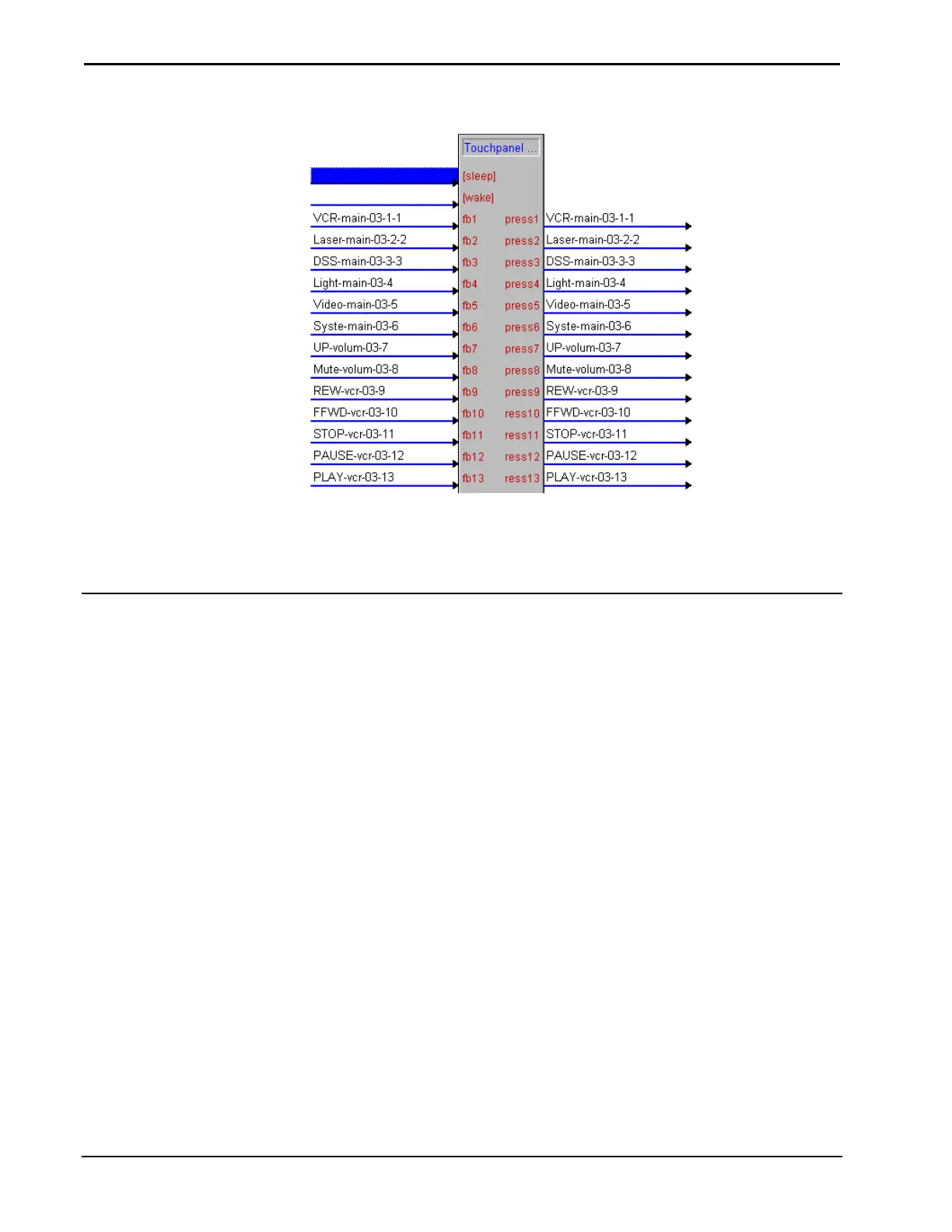
TouchPanel UI Project in Detail View
When VisionTools UI projects are used the touchpanel signals are defined
automatically. Programmers can continue to use the definitions provided or rename
the signals.
Using Macros
SIMPL Windows provides programmers with a number of Crestron Macros as well
as a predefined space to store user created macros called User Macros
Things to Remember
• When importing newer macros into older programs make sure the
macro is compatible with the control systems OPS version.
• Programmers should remember that macros can not be tested
independently. They must be brought into a program and then
compiled.
Macros are brought into the program the same way as symbols. Select the macro and
drag it into the Logic Folder or a Logic Subsystem. Double click on the macro to
display it in Detail View.
64 • Crestron SIMPL Windows Installation & Operations Guide –DOC. 5728C



 To Next Page