Crestron SIMPL™ Windows Software
Select Edit | Preferences…
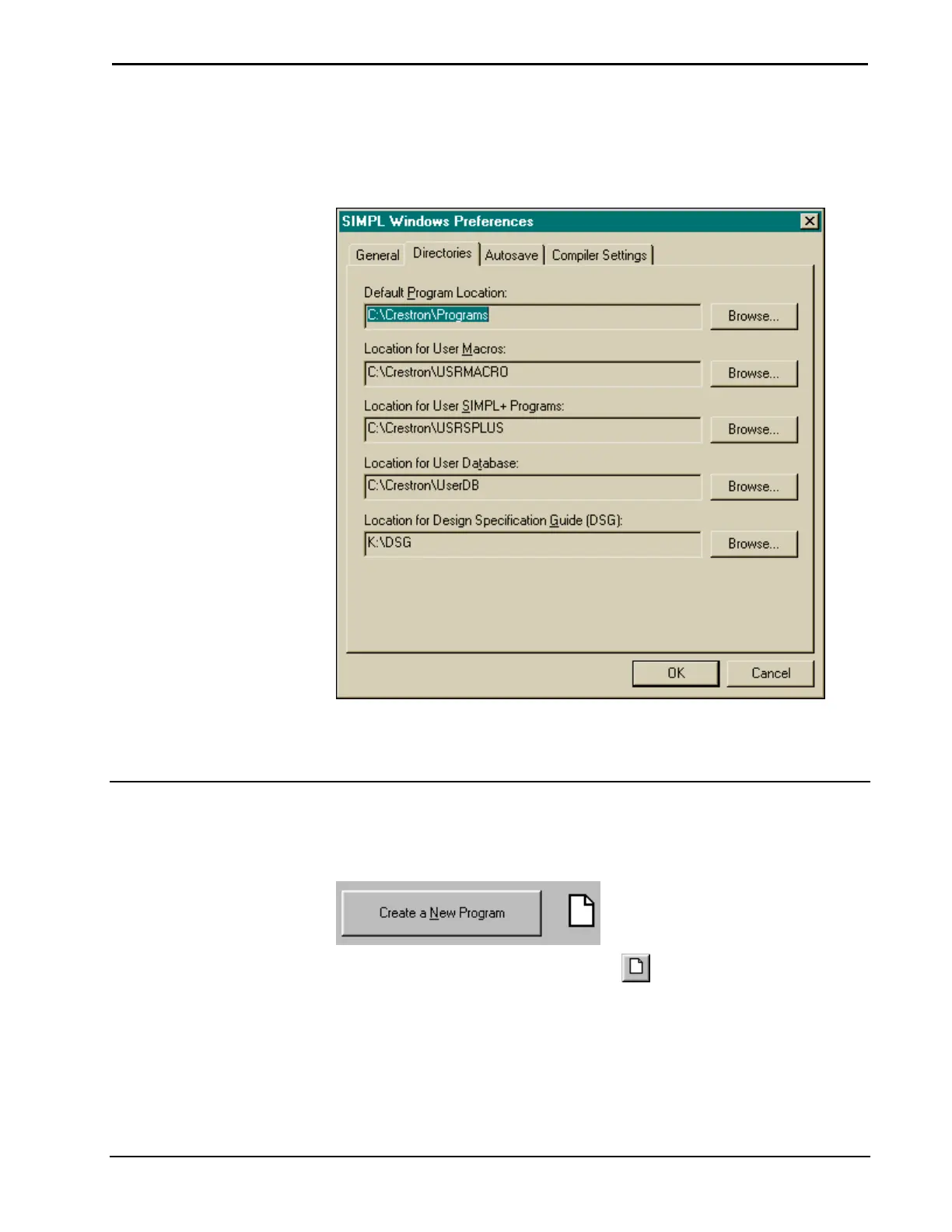
This will display the “SIMPL Windows Preferences" window. Select the Directories
tab and make sure the directory paths are correct.
SIMPL Windows Preferences Dialog Box
Click OK when all paths are correct. The system will pause for approximately thirty
seconds while information is reloaded.
Create A New Program
New programs can be started in a variety of ways including:
Selecting Create a New Program from the QuickAccess Window.
Selecting New Program from the button bar.
Selecting File | New Program.
Installation & Operations Guide – DOC. 5728C Crestron SIMPL Windows • 19



 To Next Page