Software Crestron SIMPL™ Windows
Acquiring New Data
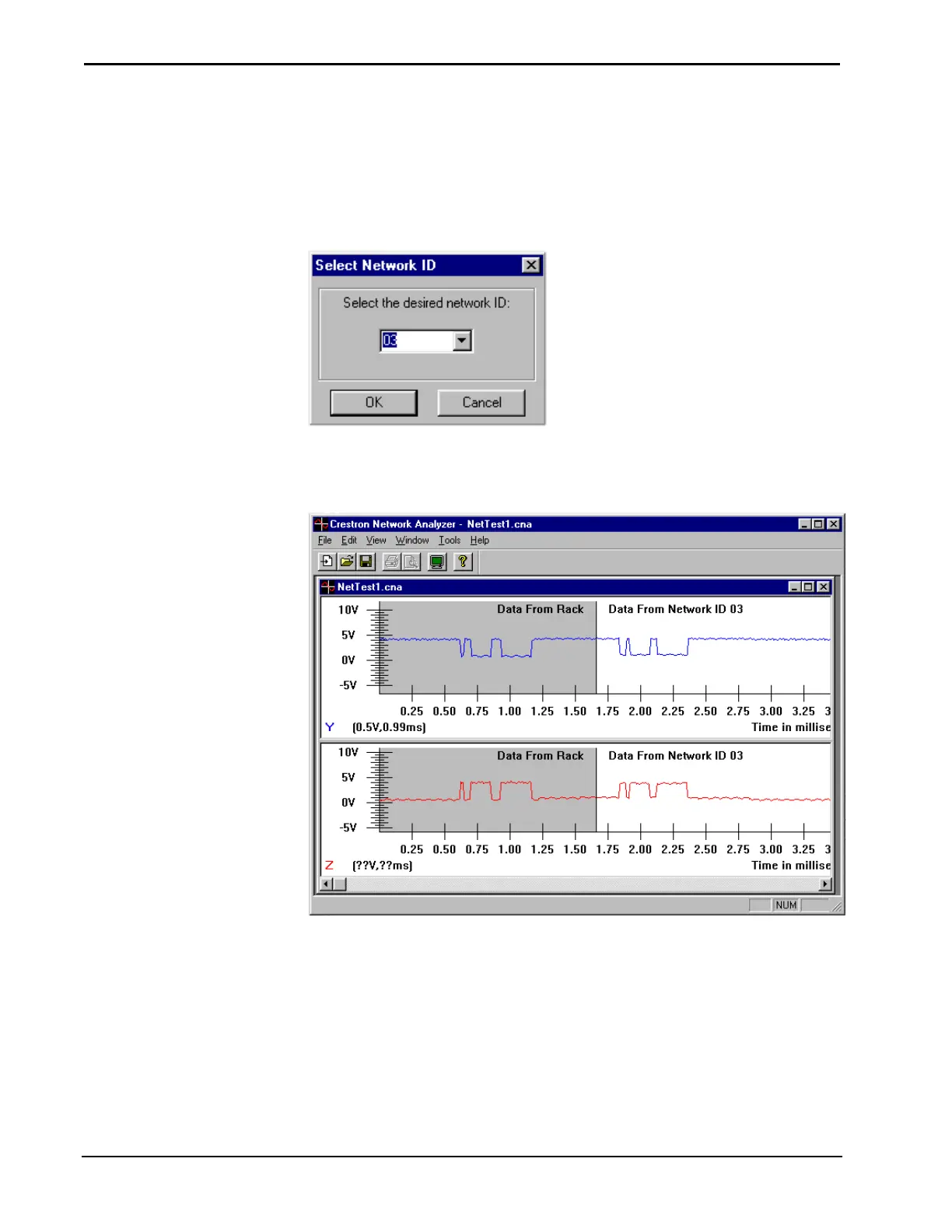
To acquire new data to review select File | Acquire (alternatively Ctrl+A). Network
Analyzer prompts users for the network ID of the device from which data is to be
acquired. In the data field of the "Select Network ID" dialog box enter the desired
Net ID. Click the OK button to proceed.
Provide Net ID
When the proper data is acquired, the Network Analyzer will display graphs plotting
voltage levels against time (in milliseconds).
Network Analyzer Graphic Display
132 • Crestron SIMPL Windows Installation & Operations Guide – DOC. 5728C



 To Next Page