Crestron SIMPL™ Windows Software
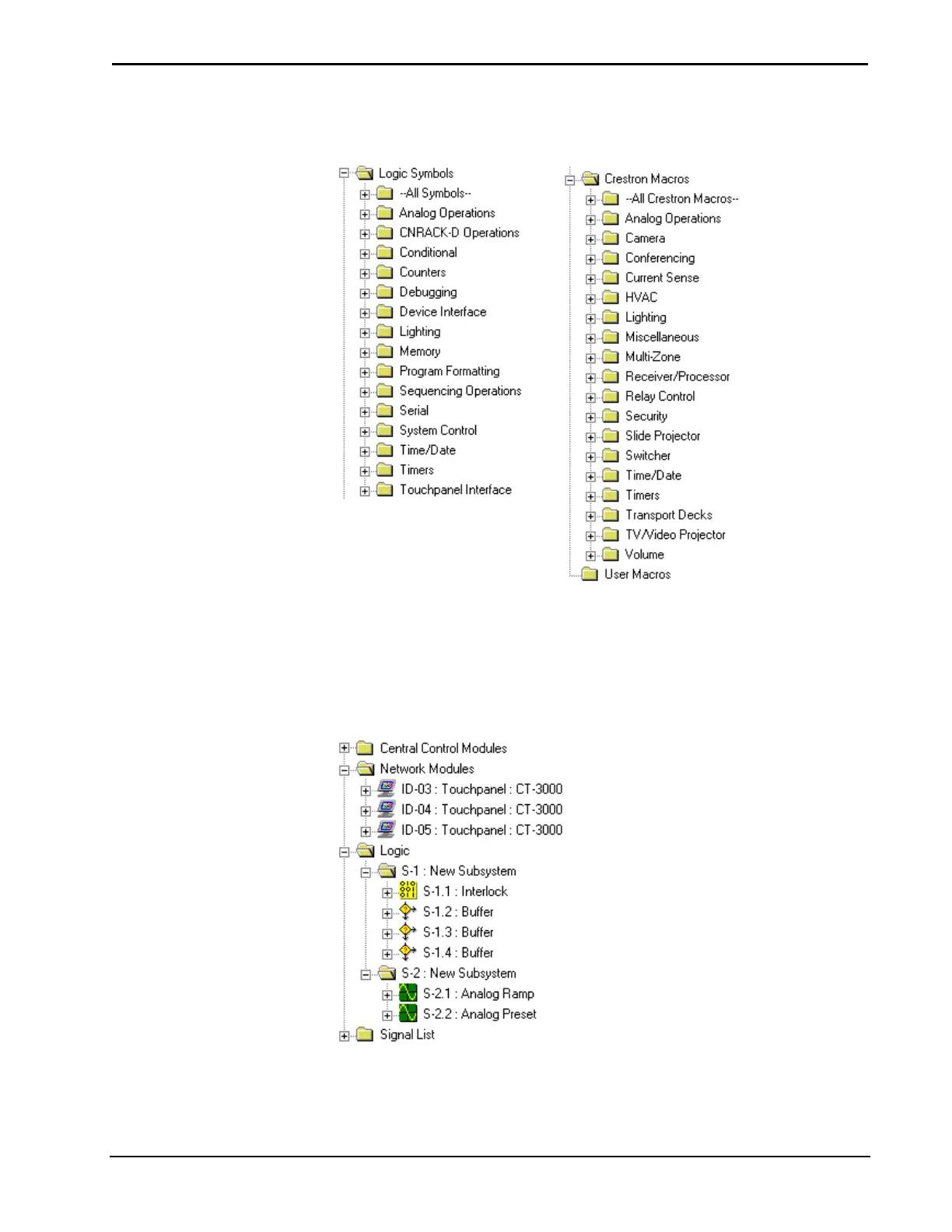
The three main folders are Logic Symbols, Crestron Macros, and User Macros.
Symbol Library
Program View
Program View provides a tree type view of the program. Symbols that are selected
from the Symbol Library are dropped into the Logic folder in Program View. The
folders can be expanded/collapsed by clicking on the plus/minus (+/-) sign.
Typical Program in Program View
Installation & Operations Guide – DOC. 5728C Crestron SIMPL Windows • 45



 To Next Page