Software Crestron SIMPL™ Windows
Crestron Macro and F1 Description
User Macros
Programmers can create their own macros and store them in the User Macros folder
in the Symbol Library. Alternatively, programmers can import Crestron Macros, edit
them to match their specific needs, and save them as a User Macro.
Create a User Macro
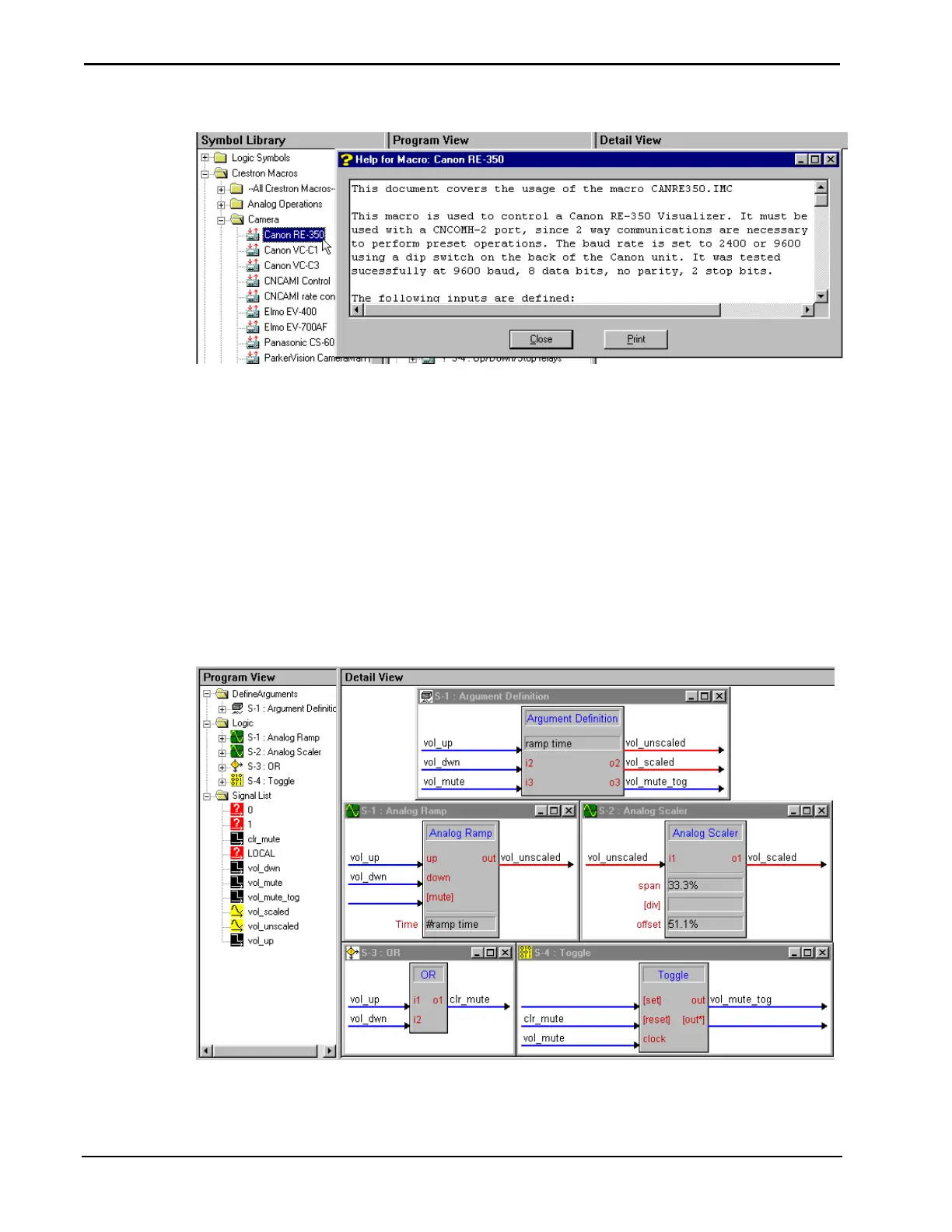
Create a User Macro by selecting File | New User Macro and complete the fields of
the “Program Header Information” window. Write the macro in the same fashion as
writing a program. Select symbols in the “Symbol Library” and drag them into the
Logic Folder.
Writing a Macro
66 • Crestron SIMPL Windows Installation & Operations Guide –DOC. 5728C



 To Next Page