Software Crestron SIMPL™ Windows
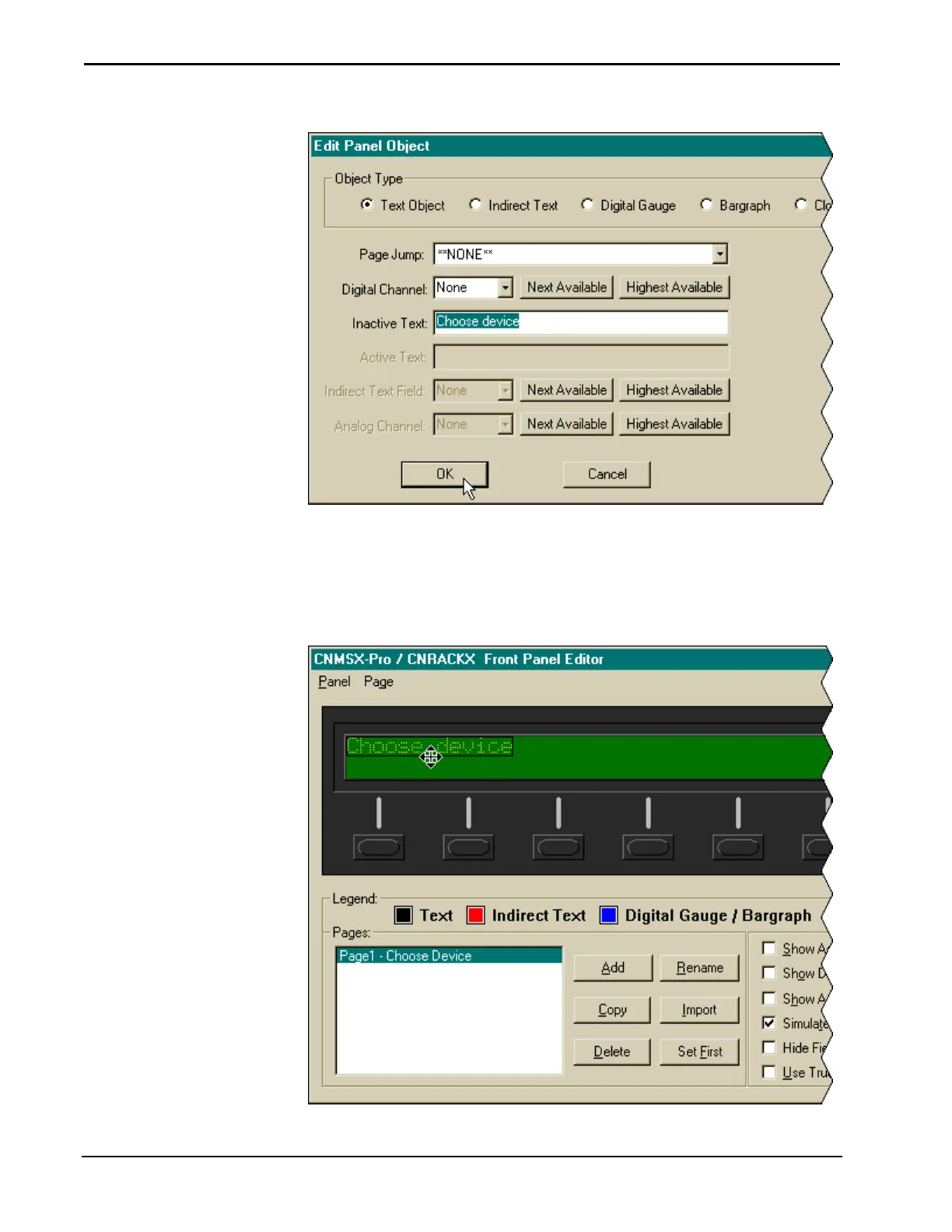
Edit Panel Object
The object will be displayed on the panel. Since the object type is Text Object, the
field box is black in accordance with the Legend. Objects can be moved around the
display by holding the left mouse button (the pointer will become a crosshair) and
dragging. Since this object is a heading that does not require jumps to other pages via
the function buttons, it is placed in the top row of the display.
Text Object in Panel
152 • Crestron SIMPL Windows Installation & Operations Guide – DOC. 5728C



 To Next Page