Software Crestron SIMPL™ Windows
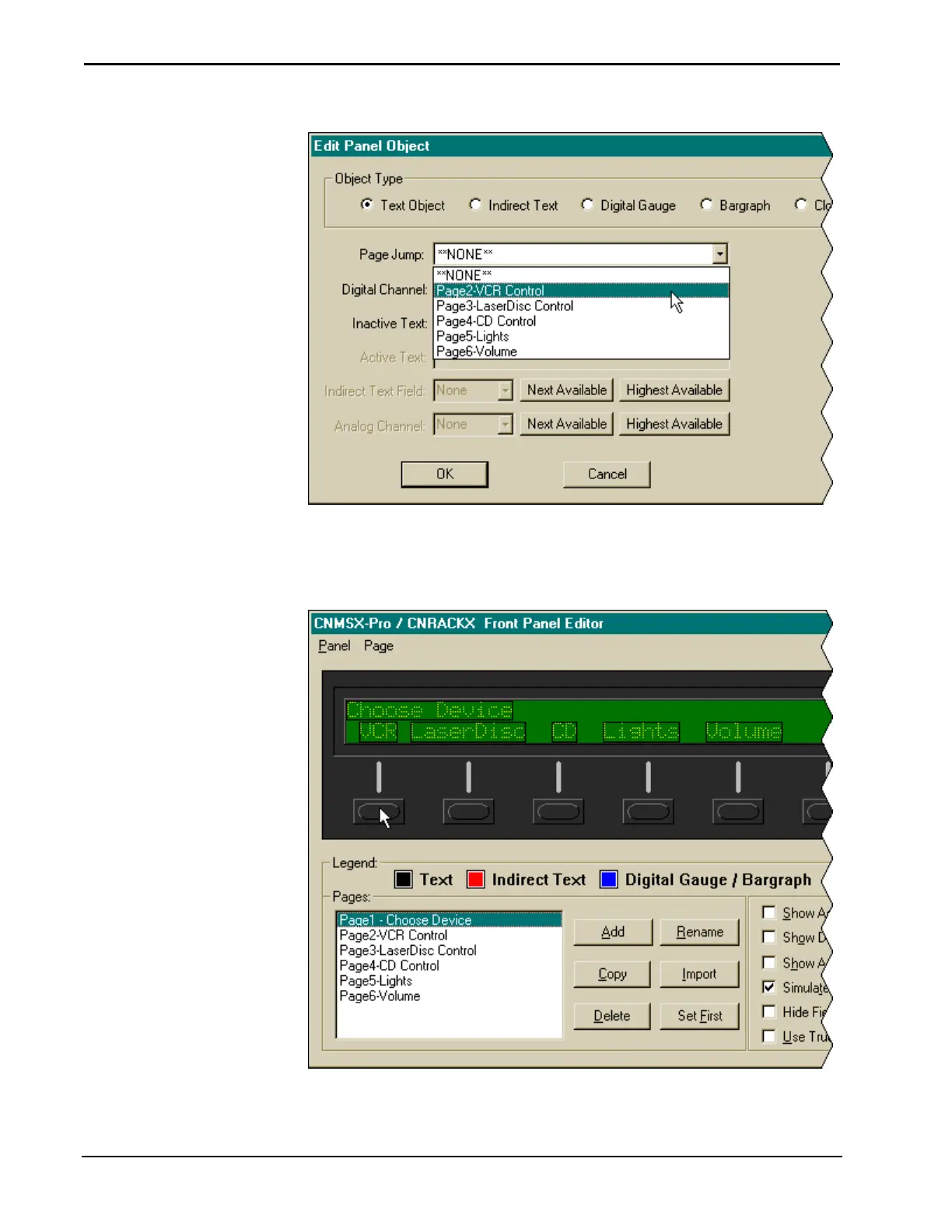
Select Appropriate Page Jump
Select the Simulate check box. This will make the Front Panel Editor simulate a real
CNX front panel. The function buttons will be enabled only if a page jump is
defined. Click on the first panel button.
Selecting a Function Button
154 • Crestron SIMPL Windows Installation & Operations Guide – DOC. 5728C



 To Next Page