Introduction
Effect Voice command
HELP
Help
What can I say?
VOICE BUTTON
Note
Voice control is not available when parking
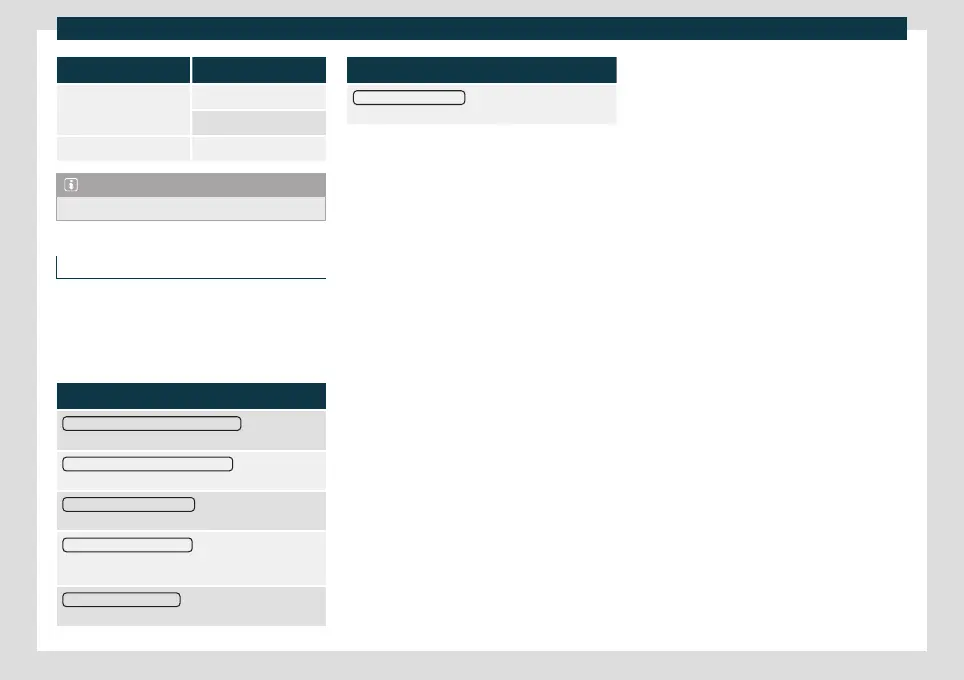
Voice control settings
●
Press the infotainment button
> Set-
tings > Voice control.
When clo
sing a menu, the chang
es will be
made automatically.
Function button: function
Example commands (infotainment system)
: Display voice
control examples on the infotainment system screen.
Example commands (instrument cluster)
a)
: Display voice
control examples on the instrument panel.
Voice control session start tone
: a signal will sound when
activating voice control. Press to deactivate the signal.
Voice control session end tone
: a signal will sound when
deactivating voice control. Press to deactivate the sig-
nal.
Input tone in voice dialogue
: the input tone to confirm an
order is activated.
Function button: function
End tone in voice dialogue
: the end tone to confirm an
order is deactivated.
a)
Available depending on equipment
159



 To Next Page