49
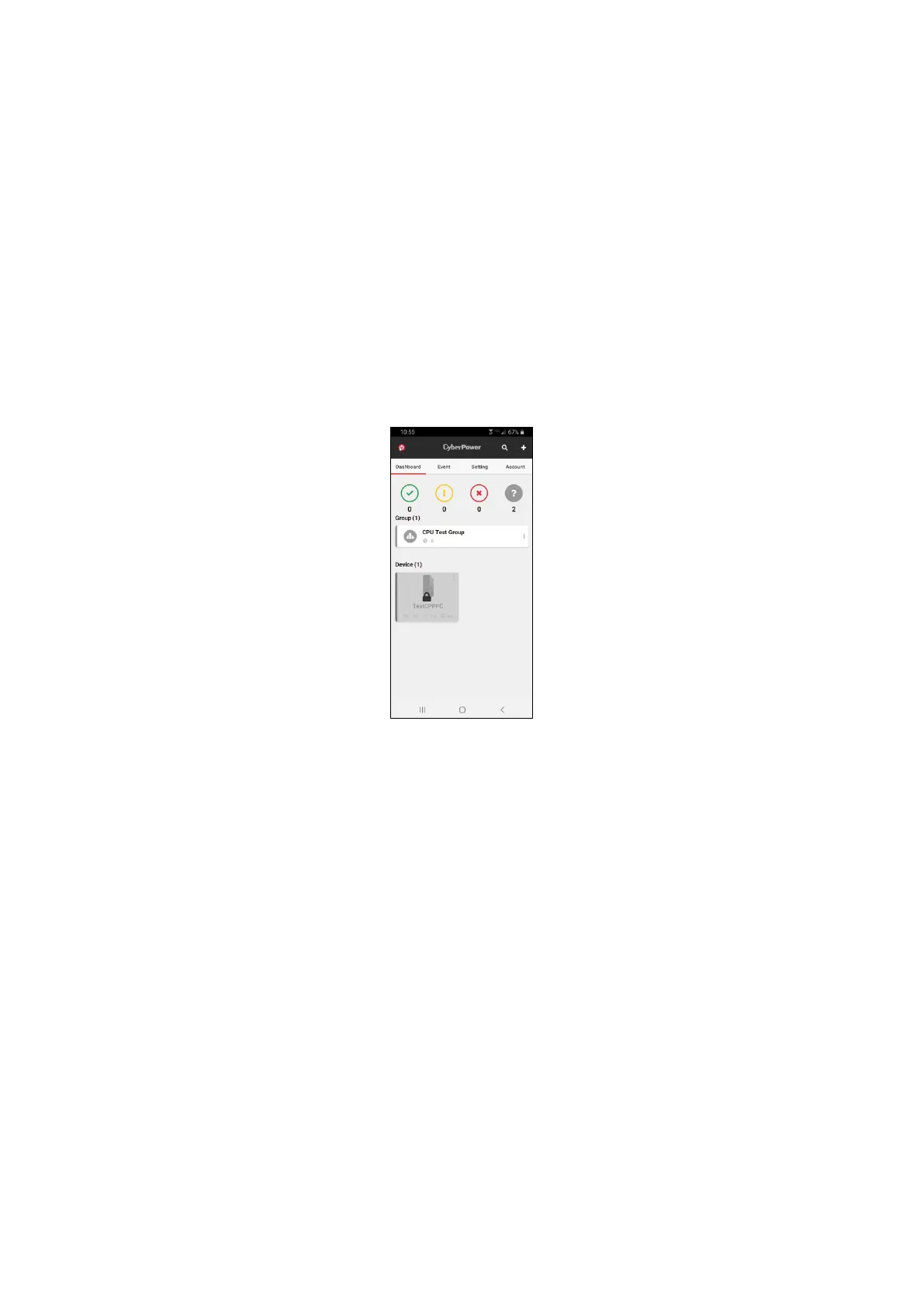
Q4: I used RWCCARD100/RCCARD100 to connect to Cloud but not getting
free trial. My device is locked in the device list. How do I fix this?
Please check below and try to add the card again.
1. Ensure 8883 port is open on your Router
2. Ensure DNS Server on your WiFi Router is working correctly (we
suggest configuring your network settings to use the IP addresses
8.8.8.8 as your DNS servers)
Q5: I successfully connect my UPS to cloud. Why does lock icon exist?
The lock icon means that device hasn’t been included in valid Plan yet. The
valid response could be from the following ways: Remote Cloud Card (3
years), specific UPS models (90 days), and in-app purchase. Sometimes, it
will take a while before the device is distributed a valid response from
cloud server.











 To Next Page