Page 50 of 117
13. Changing Gauge Settings
The Two Button System
The DIVE gauge only has two buttons – this means there are only
three combinations to remember;
• Left Button Press
• Right Button Press
• Both Buttons Pressed Together
*
*
Both Buttons being pressed is generally used to Save & Exit.
Button Functions in Menus
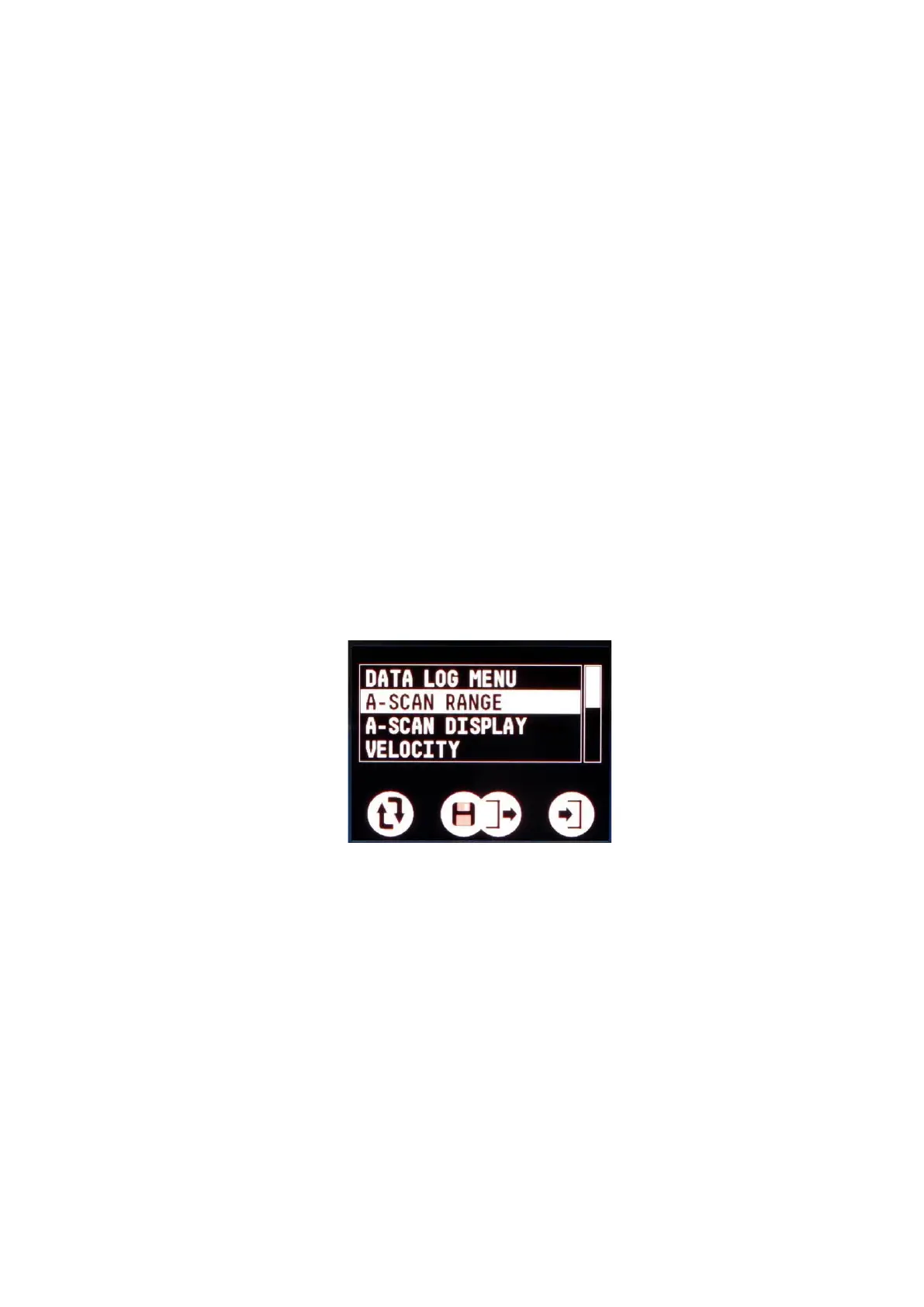
Menus are lists of items – you scroll down the list and select the
item that is highlighted. If you don’t press a button for 20 seconds
the menu will automatically exit.
A menu screen
Left Button : Scroll around the list of items
Right Button : Select the highlighted item
Both Buttons : Exit the menu


 To Next Page