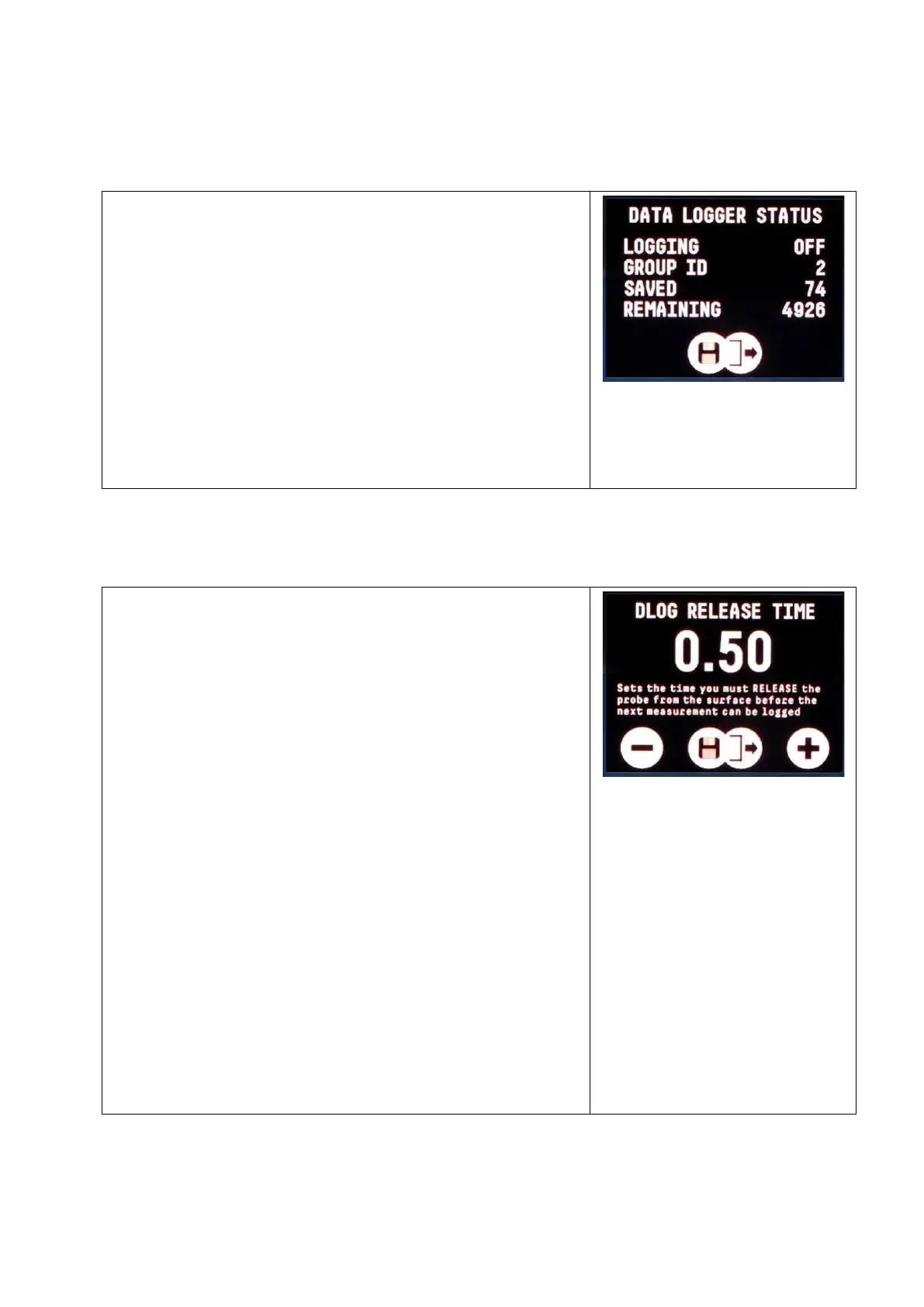
The Data Logger Status screen shows the
number of measurements taken and how
many remain and the GroupID number.
To view the status;
1. Access the DATA LOG MENU
2. Select DATA LOGGER STATUS
3. Press both buttons together to exit
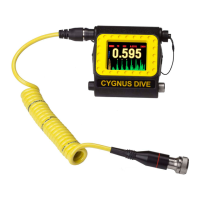
The period of time the diver must Release
the probe from the surface before the next
thickness measurement can be Auto
Logged.
AutoLog Release is set by a timer, the
value is in seconds and can range between
0.25 and 4 seconds in steps of 0.25
seconds.
To set the release time;
1. Access the MAIN MENU
2. Then select the SETUP MENU
3. Select DLOG RELEASE TIME
4. Change as required
5. Press both buttons together to save
and exit


 To Next Page