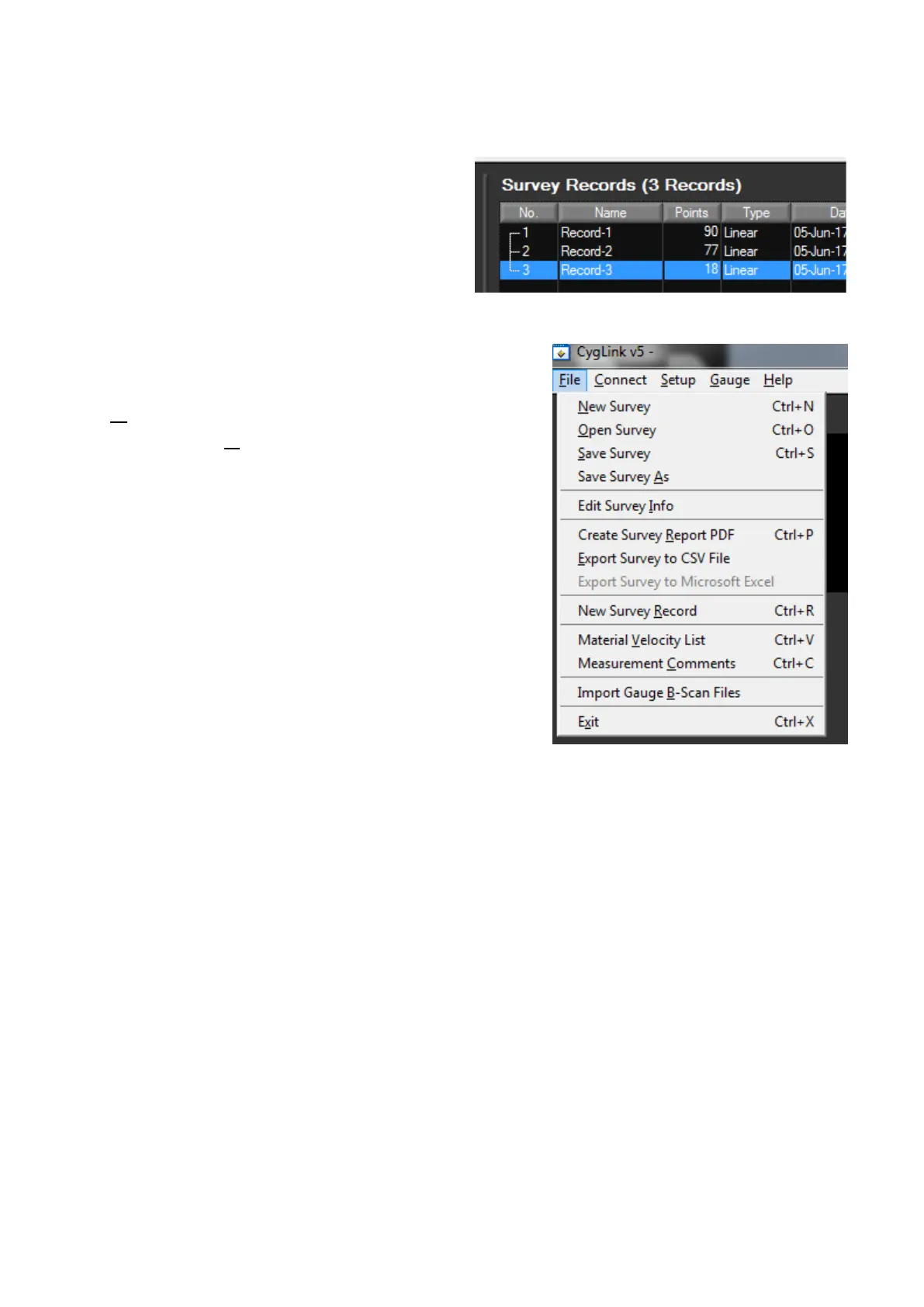
To view and edit the survey
Group details right click on the
records number and select
properties.
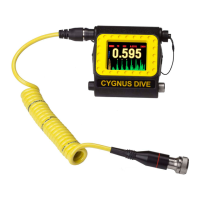
To create a new Survey Group select
in the File menu New Survey
Record. File in the details as needed
and press Save.
Producing a Survey Report Document
A PDF report can be produced containing all the Groups and
thickness measurements in the Survey, grouped by each Survey
Group. From the File menu select Create Survey Report PDF.
You will be prompted for a filename first for the report first.
Once the export process is complete, your report will automatically
be displayed in your installed PDF viewer. The export may take a
few seconds, depending on the number of logged measurements.
Exported PDF Report Extract


 To Next Page