EasyManua.ls Logo

Cygnus M3-DIVE - Connecting the Gauge to Cyglink for the First Time

Cygnus M3-DIVE
117 pages
Print Icon
To Next Page IconTo Next Page
To Previous Page IconTo Previous Page
Loading...
Cygnus DIVE Operating Manual
M3-DIVE-M-ENG_Iss9.docx
Page 84 of 117
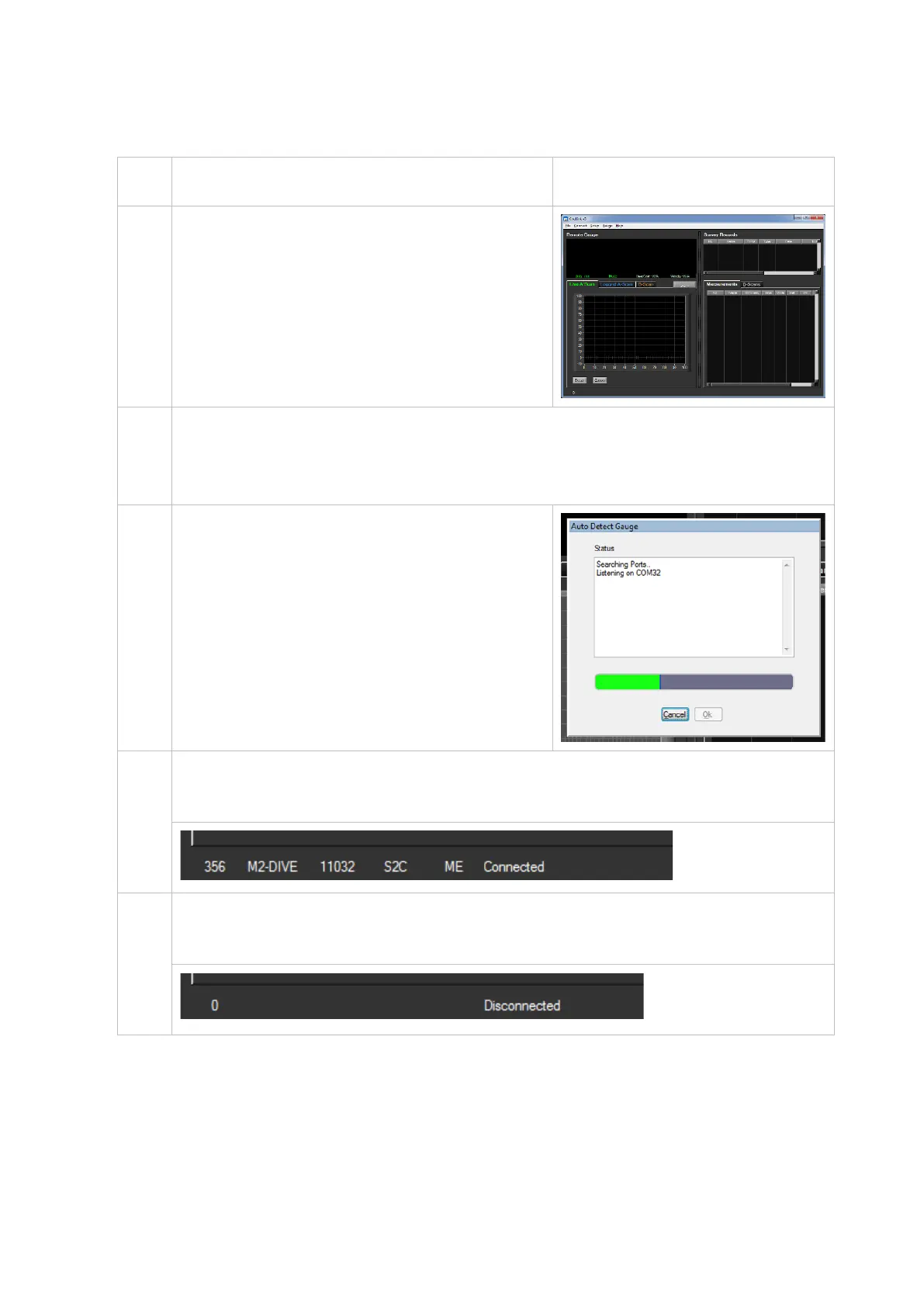
Connecting the Gauge to CygLink for the First Time
1.
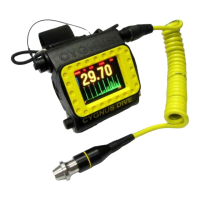
Turn on the gauge
2.
Run CygLink V5
3.
From the Menu click;
Connect
Discover new Gauge and Connect
4.
CygLink will search all the
available Com ports listening for
a Cygnus gauge..
If a gauge is detected then it will
connect and save these settings
for next time.
5.
When connected you should see details of the gauge in
the status bar at the bottom and ‘Connected’
6.
If the connection is ever lost the status bar will show ‘Lost
Connection’

Table of Contents

Related product manuals