Cygnus DIVE Operating Manual
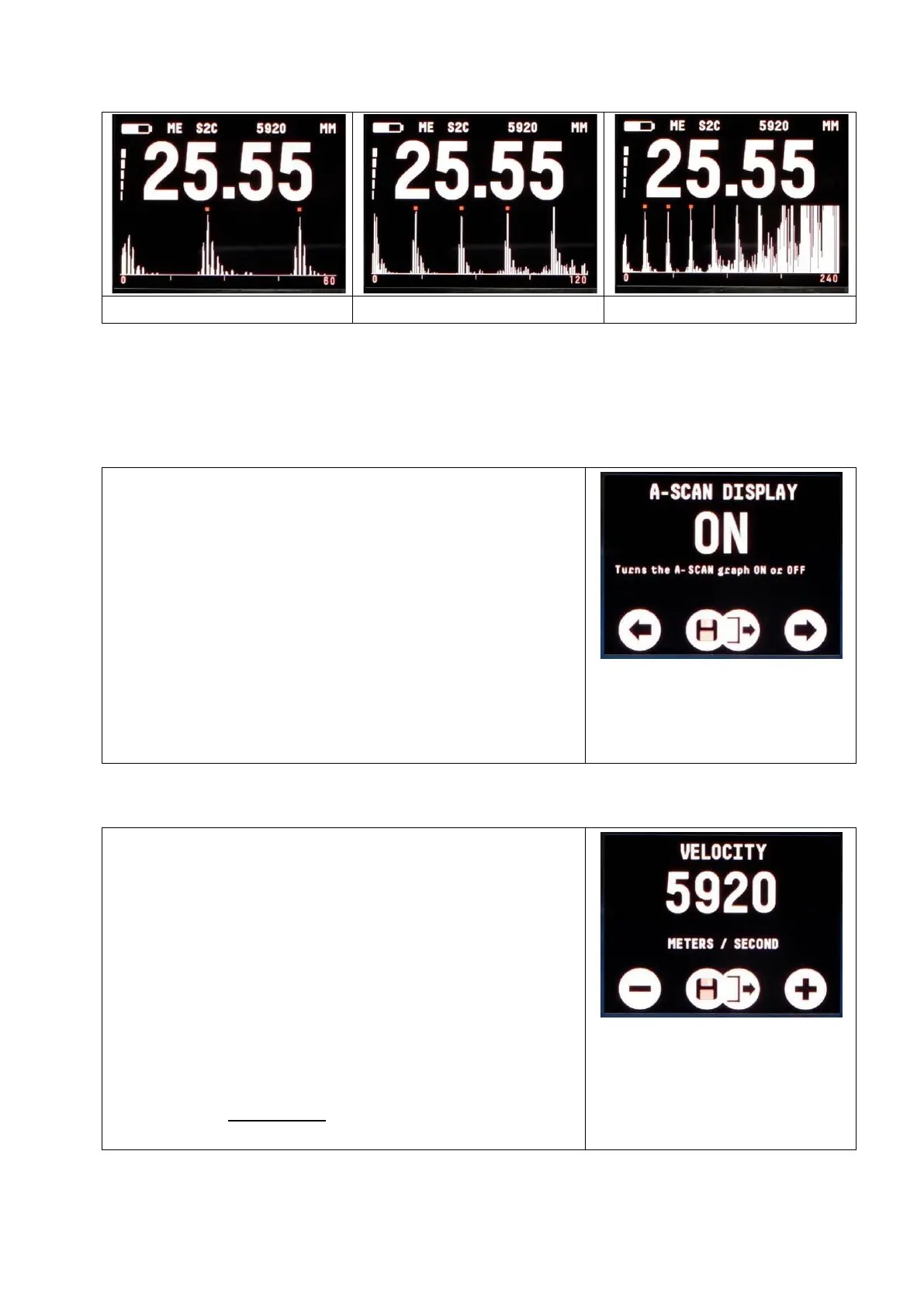
To change the A-Scan Range setting select A-SCAN RANGE from
the Main Menu.
Turning the A-Scan Display On or Off (A-SCAN DISPLAY)
The A-Scan Display can be turned off if
not required. Select A-SCAN DISPLAY
from the Main Menu.
You can also turn the A-scan display on
and off by pressing the right button when
the measurent screen is displayed.
Note. In Single Echo mode the A-Scan
display will always be displayed and
cannot be turned off.
Setting the Velocity of Sound (VELOCITY)
The gauge uses the Velocity of Sound
value to calculate the material thickness
value. You must set the velocity of sound
to match the material being measured. A
table on page 107 lists velocity of sound
values for common materials.
To adjust the velocity select VELOCITY
from the Main Menu.
The probe must not be measuring or in
contact with a surface to set the velocity.


 To Next Page