DGS-3100 Series Gigabit Stackable Managed Switch User Manual
10
6
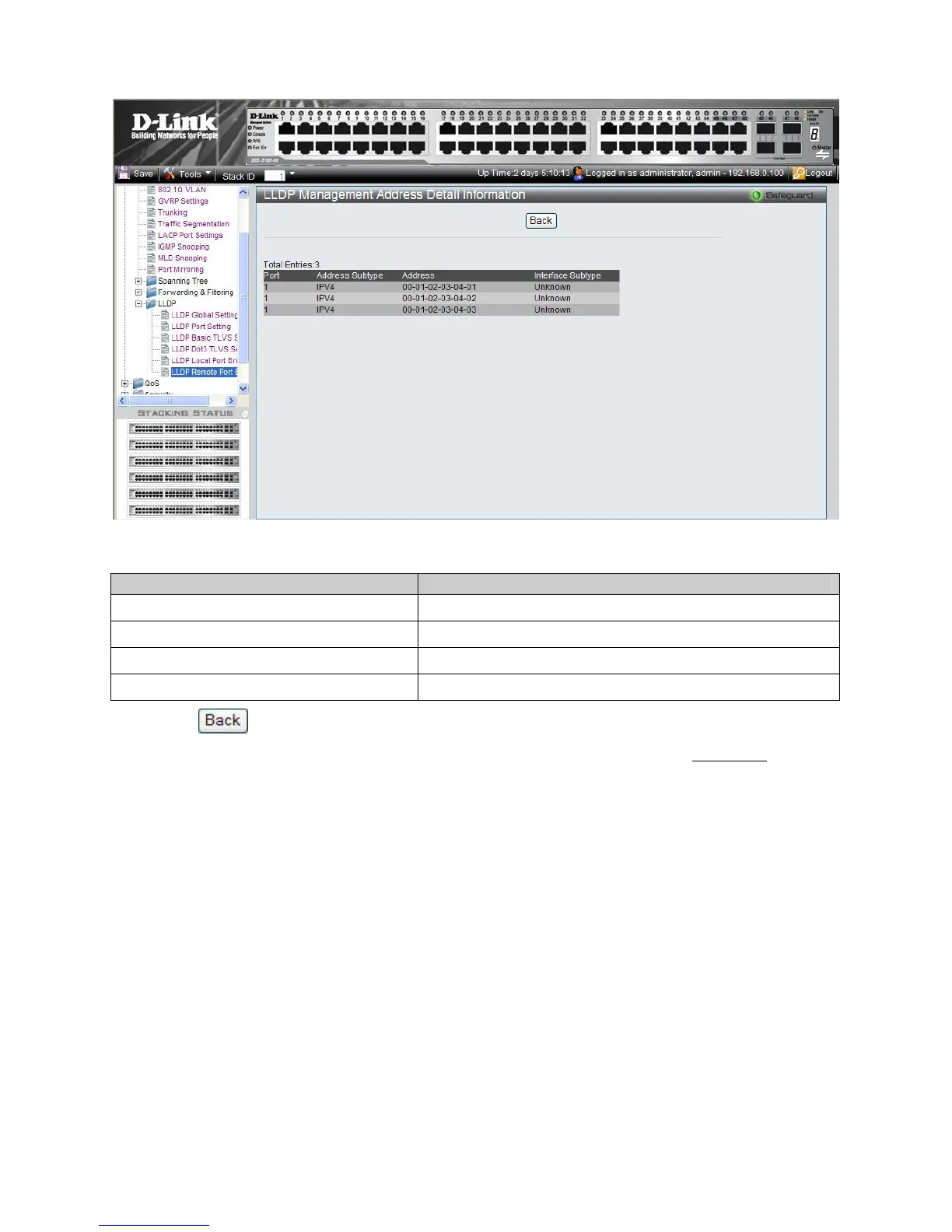
Figure 3–25. LLDP Management Address Detail Information Page
The LLDP Management Address Detail Information Page contains the following fields:
Field Descri
tion
Port
Indicates the port number.
Address Subtype
Displays the managed address subtype. For example, MAC or IPv4
Address
Displays the managed address.
Interface Subtype
Displays the port subtype.
4. Click to return to the LLDP Remote Port Normal Page.
5. To view the detailed MAC/PHY Configuration/Status information for the entry, click Show Detail
. The LLDP
Remote Misc Detail Information Page is displayed.











 To Next Page