9D-Link DWM-312W User Manual
Section 2 - Installation
Establishing a Connection
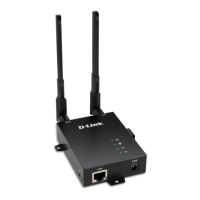
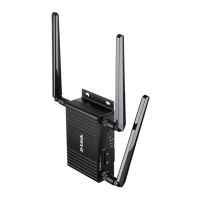
The DWM-312W is equipped with dual-SIM slots and a WAN Ethernet port. You can use either to establish an Internet connection.
To establish a wired connection, first plug one end of an Ethernet cable into your modem, then connect the other end to the port on the
DWM-312W labeled WAN/LAN.
To establish a mobile connection, you will need an active SIM card with an Internet connection.
1. Insert a micro-SIM card into the slot labelled SIM A with the contacts facing down. If you wish to install a second SIM card, insert it into the
slot labelled SIM B.
2. Gently press the micro-SIM into the slot until it locks into place. To remove, press again and the SIM card will be ejected.
Note: The DWM-312W must be congured from the web UI before an Internet connection can be established.


 To Next Page
 Loading...