11D-Link DWM-312W User Manual
Section 4 - Conguration
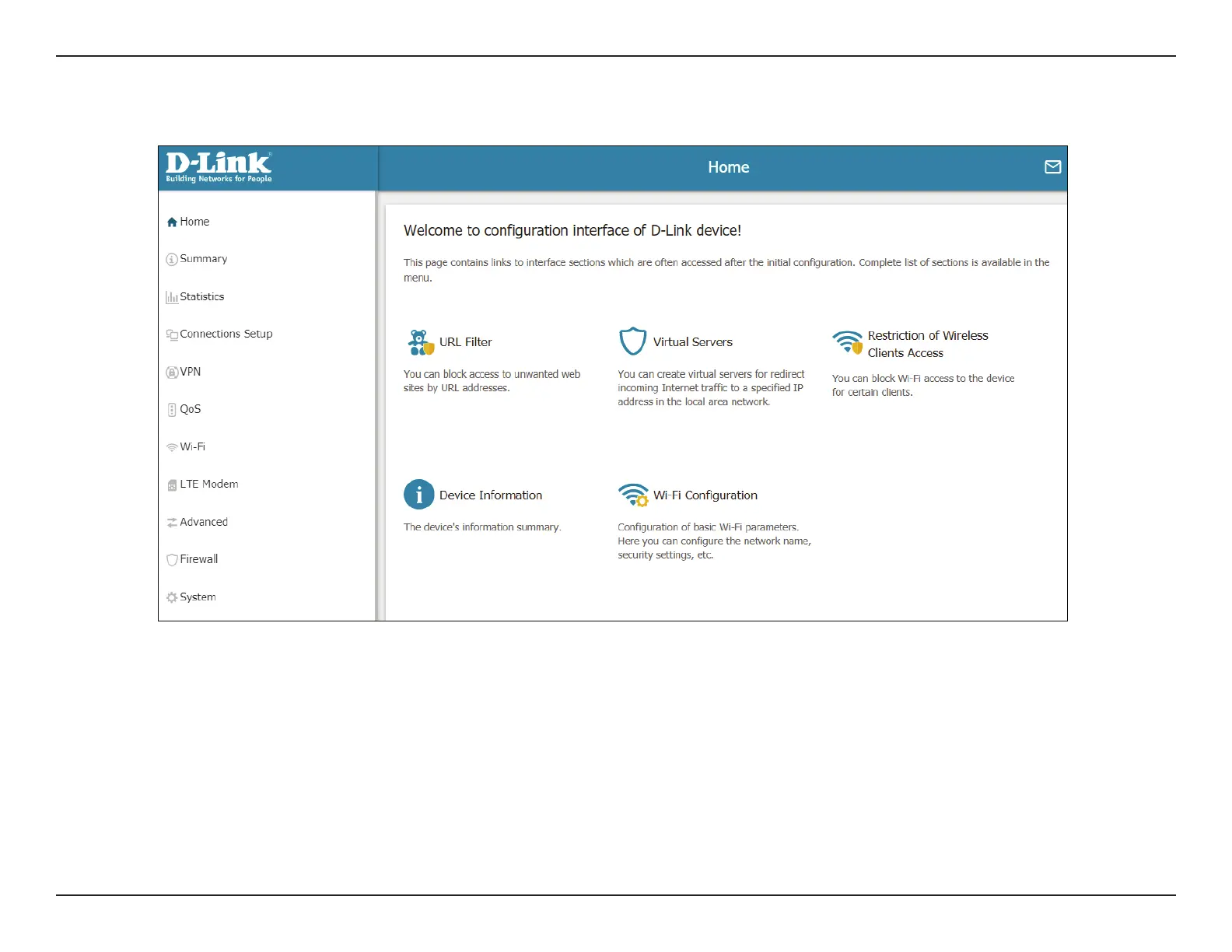
Once you have successfully logged in, you will see the Home page. You can use this page to navigate to the dierent conguration sections of
the web interface.
There is a menu in the sidebar on the left side of the page. Clicking on one of the links in the sidebar will take you to the appropriate conguration
section.
On each page, ll out the desired settings and click Apply when you are done or Refresh to revert to the old settings.
The Home Screen


 To Next Page
 Loading...