36
Home > Configuration
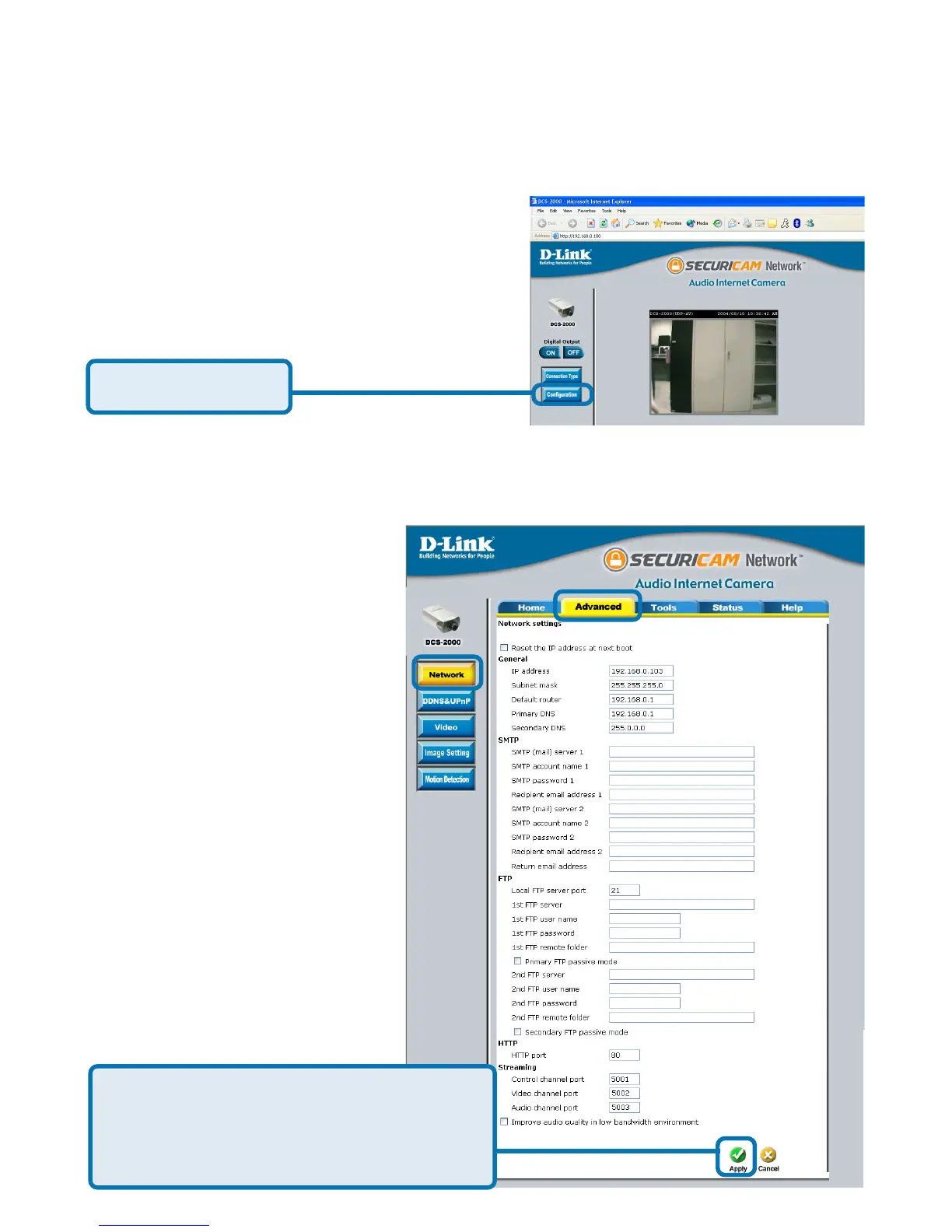
Click on the Configuration button on the Home page:
There are 5 tabs across the top of the Configuration screen. From each tab,
different elements of the DCS-2000 can be configured. The Advanced tab is
the default screen in Configuration and Network is the default screen under
Advanced.
Using the DCS-2000 with an Internet browser
(continued)
Click Configuration
Any changes made to these settings will
require the system to restart. Make sure
every field is correct before clicking on
Apply.















 To Next Page