9
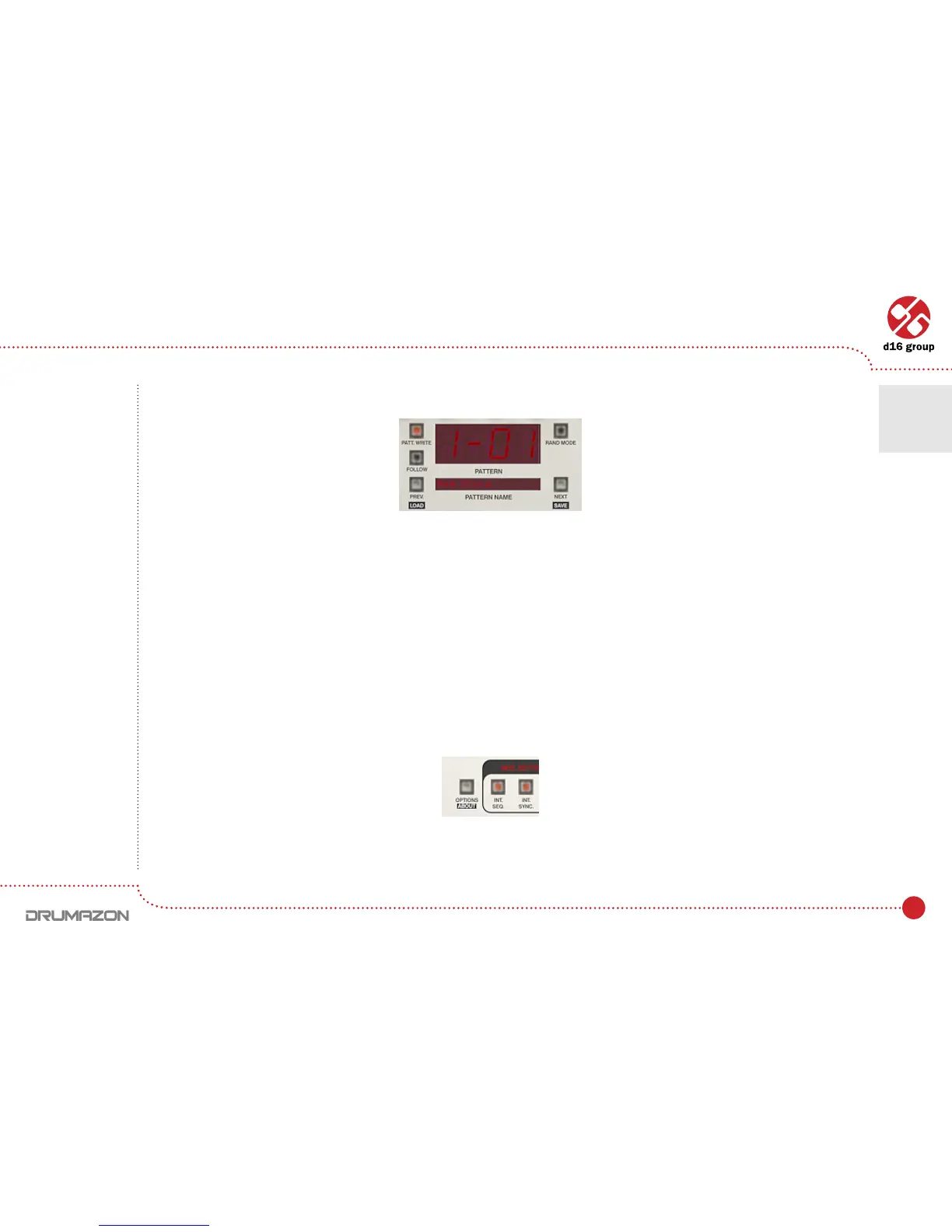
The currently playing pattern is shown on the Drumazon interface:
In format:
[BANK NUMBER] – [PATTERN IN BANK NUMBER]
Below it is displayed the pattern name (in Pattern nametextbox).
Host mode
In Host mode, patterns are triggered using a MIDI keyboard. A Note on causes the corresponding pattern to play.
This mode is recommended for creating drum line arrangement in host application. Releasing the key and sending
a Note off will eventually stop the pattern. It depends on whether the Note Off Mode Stateissetincongurational
panel is checked. To change Note Off ModeopencongurationalwindowbyclickingOptions button:
Go to Sequencer tab and check or uncheck the Note Off Mode State checkbox in Current Settings group.
Pattern display and navigation
Options button
Play modes • Internal Pattern Storage
2



 To Next Page