21
Total accent
The Total accent track is used to accent All parts on a given step.
The steps to accent are selected the same as any other track using the Step buttons.
The value is either On or Off. If an Instrument has an accent on a step and Total accent
is added to that step, the two accents will be combined to give the loudest possible value
for that instrument at that step.
The Total accent knob controls how much extra volume is added to a step. Set to zero,
no Total accent is added.
Tempo scale
OntheActive scalebar,thelitLEDmarksthecurrentTempo scale(oneoffour):
Tempo scale can be described as the number of steps per quarter note. Default value is
four steps per quarter note. Successively counting from the bottom there are: 8 steps per
quarternote,4stepsperquarternote,6stepsand3stepsperquarternote.Temposcale
isswitchedbytheScaleLED’sonScalebar:
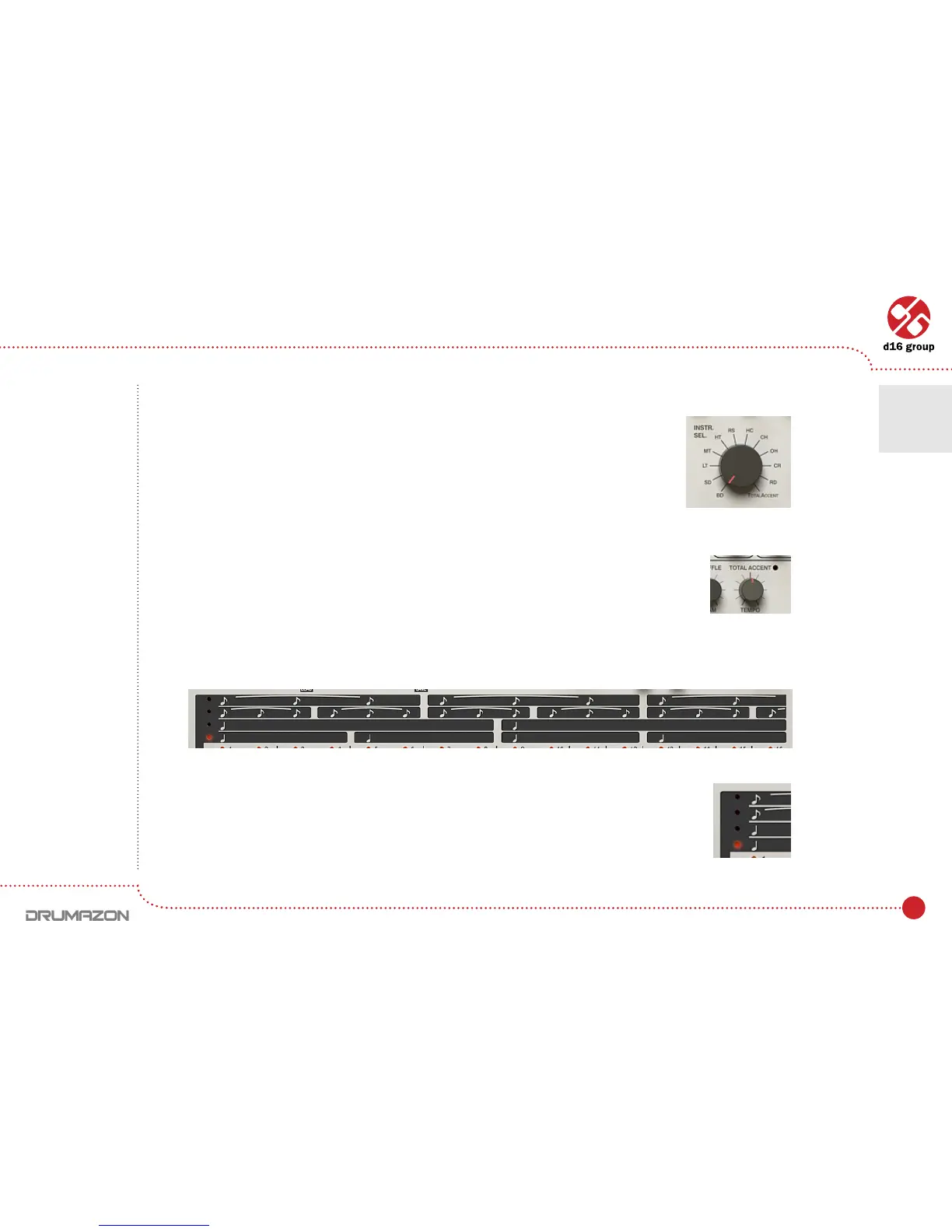
Instrument selector
Total accent knob
Active scale bar
Tempo scale selecting
Drumline editing • Pattern editing
4



 To Next Page