42
Default Presets
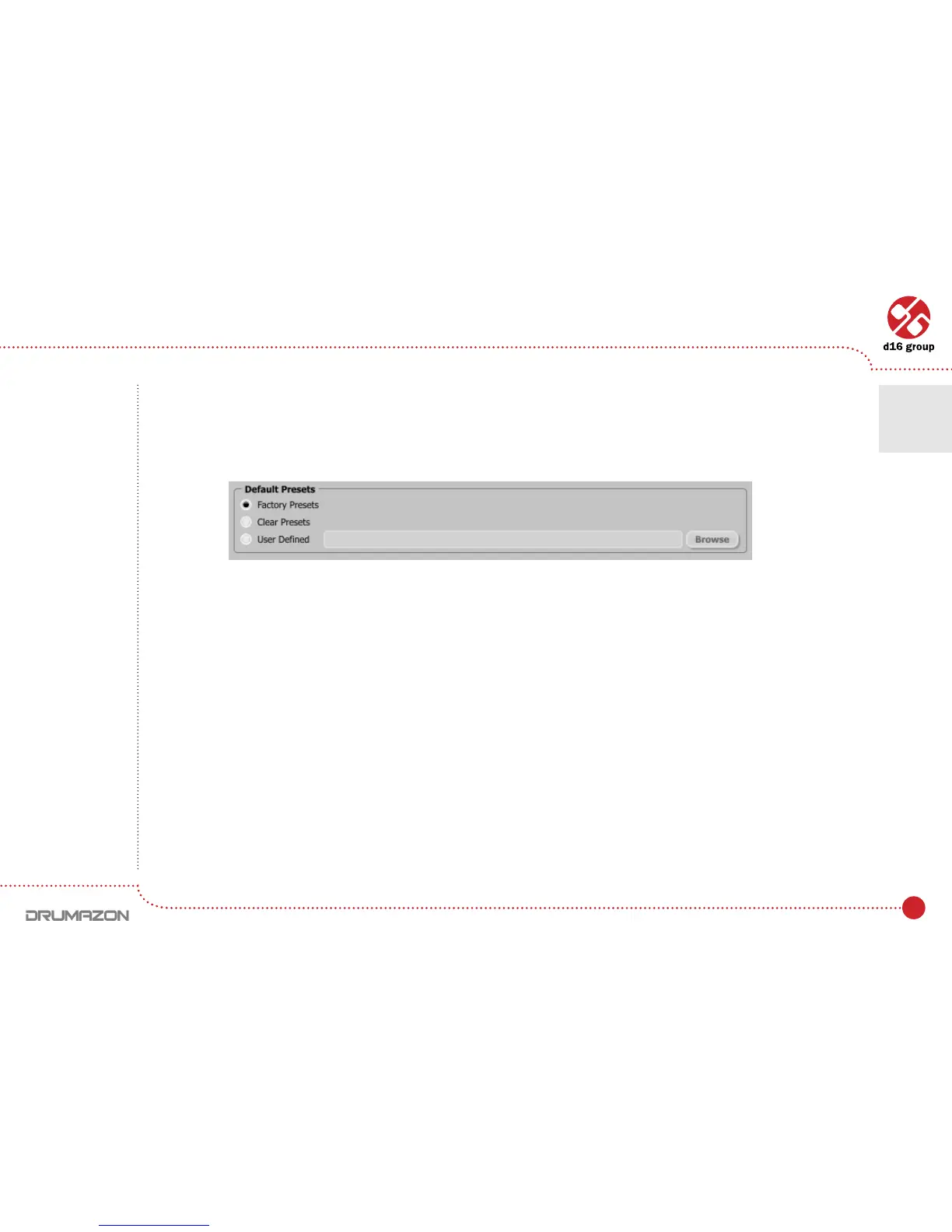
D16 provides a set of default presets with Drumazon. They are applied to every new instance of the plug-in. If a bank
of presets is created which should be applied every time instead of factory presets, it is possible to select such
an on option Default Presets section:
OptionsavailableintheDefault Presets section:
• Factory Presets–DefaultvalueafterinstallingDrumazon.Choosingthisoptionloadsthefactorypresetswith
every new instance of the plug-in.
• Clear Preset – Zeroed parameters with every new instance of the plug-in.
• User Dened–Presetbankselectedbytheuser.WhenchoosingUserDenedoption,theBrowse button
on the right side is activated. Using this button opens a dialog box in order to select a path to the user’s preset
bank.ConrmingthepathsavesitintheDrumazoncongurationle.Theselectedpresetbankwillbeloaded
as default.
The text box on the left from the Browse button shows the path to the user’s preset bank.
Default Presets selection
Conguration • Presets tab
7



 To Next Page