3
Work modes
Drumazon works in two modes:
• Internal – The drum patterns are entirely stored in the internal sequencer of the plug-in.
• External – Drumazon acts as a sound module playing drum sounds. Patterns are played by sending Midi notes
from host sequencer.
Audio outs
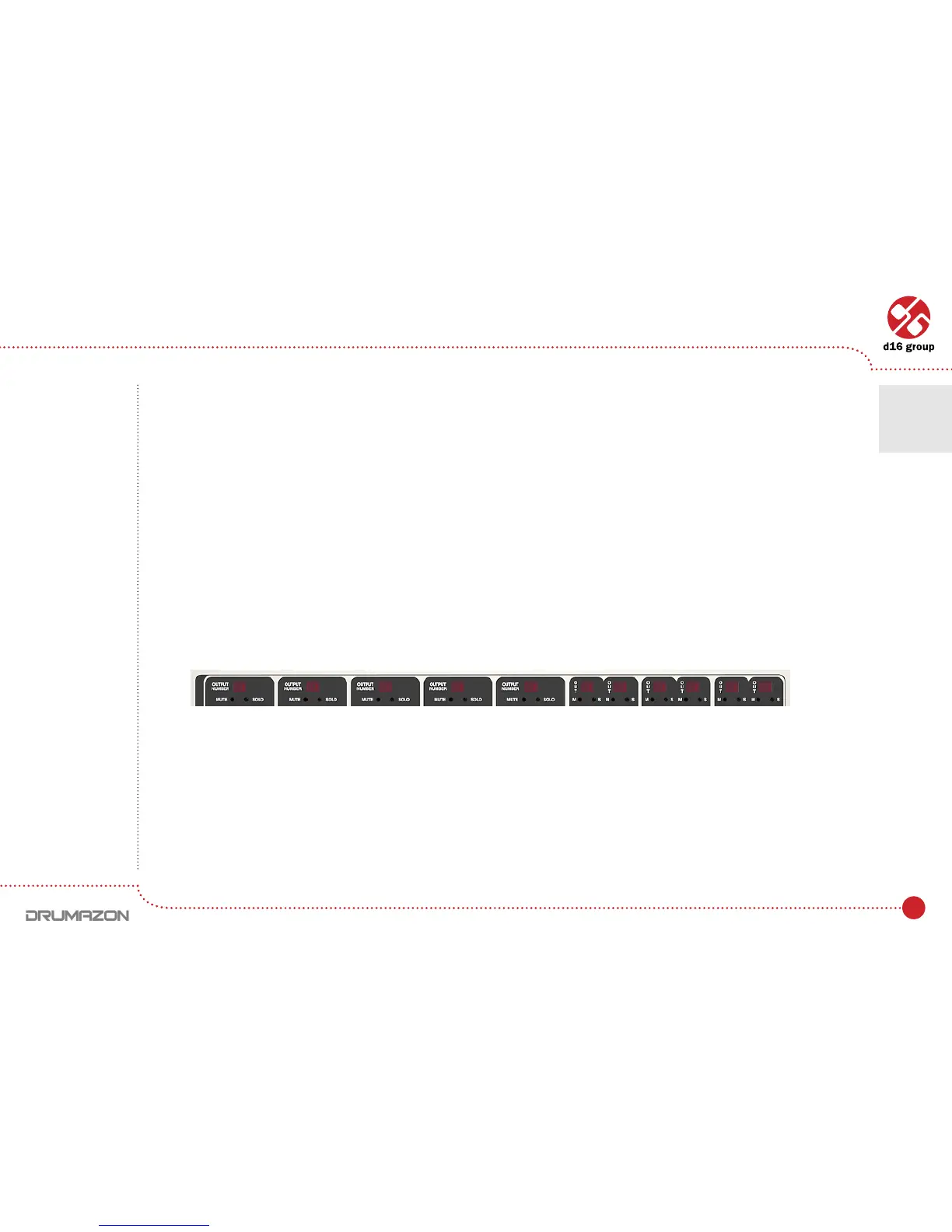
Drumazonisamulti-outputplug-in.Ithas12stereo(ormono–congurable)outputs.Instrumentscanbefreely
mapped to each of those available outputs according to their individual volumes setting.
By the default, outputs are set to be stereo. That can be changed in a Optionspanel(describedlater).
WhenDrumazonisloaded,the11individualdrumsounds(+1extratriggeroutsounddescribedlater)aremapped
torstoutput.Tochangetheoutputassignment,justclickanddragontheLEDabovethedrumsoundsettings.
Soundscanbemappedtoanyavailableoutput(oneof12).Forexample,theOpenandClosedHiHatscould
beassignedtoasingleoutput2togetherortheClapcouldappearonoutput1etc.Itisfullycongurable.
Note: drum
sound mapping
is compatible
with General
Midi Standard.
However,
mapping can be
changed by user.
Note: Being
able to change
the above settings
may depend
on the host
sequencer.
Audio outputs conguration
Overview • Work modes • Audio outs
1



 To Next Page