40
Default Settings
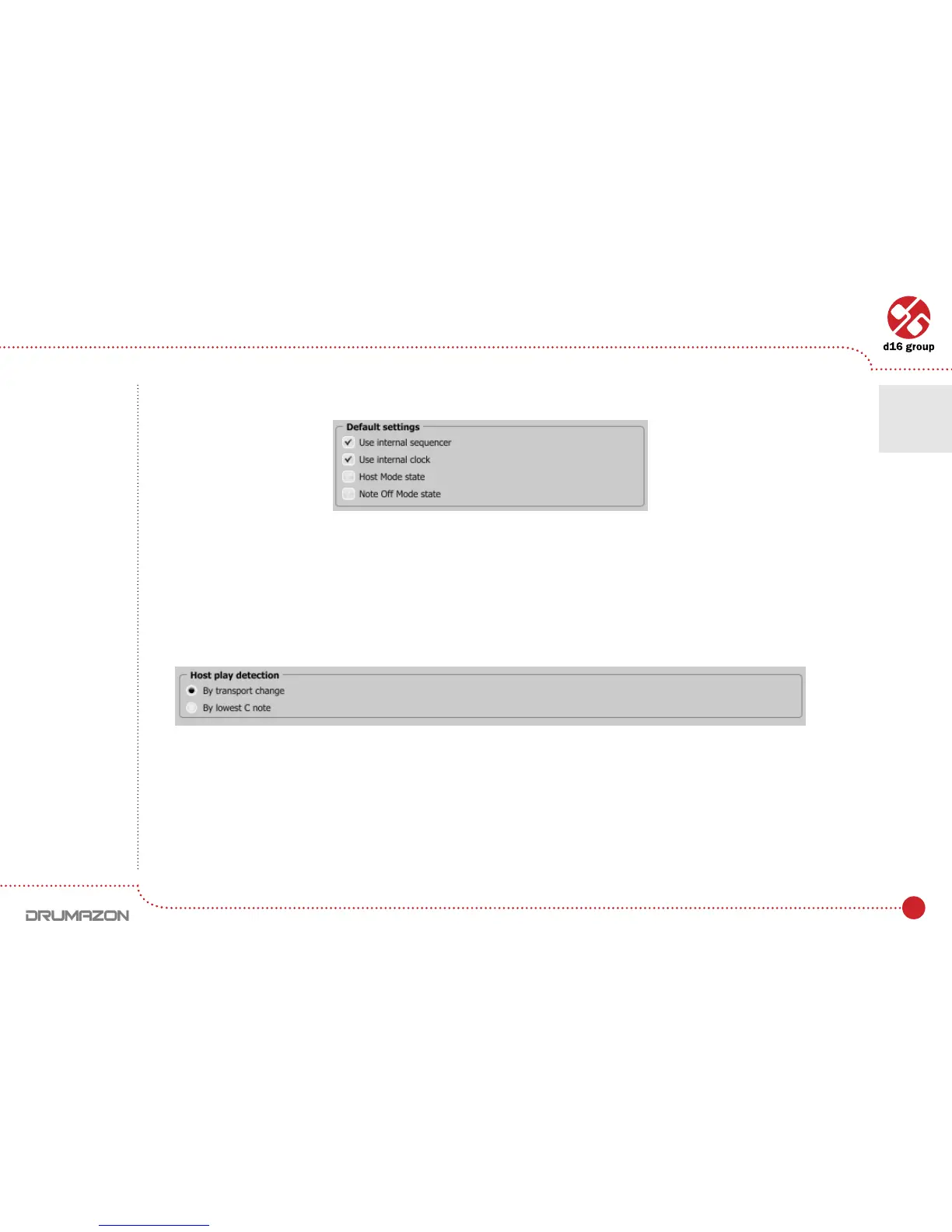
Default SettingsgroupcontainscheckboxeswithdefaultagvaluesfortheCurrent Settings group. In every new
instance of the plug-in, in the host application, the Default SettingsagsareoverwrittenontheCurrent Settingsags.
Default SettingsvaluesaresavedintheDrumazoncongurationleandappliestoallnewinstancesoftheplug-in.
Whenremovinganyinstanceoftheplug-infromthehostapplicationthecongurationleissaved.
Host play detection
This solves sync problems with some hosts. It mainly concerns Native mode. The properly written host should send
a Transport Change code to the plug-in after pressing the Play button in the host application.
When the By Transport Change option is selected, then don’t need to add an extra Midi track to force the plug-in
to start to play. It should start to play automatically. In some cases it doesn’t work. If this happens, choose the By The
lowest C Noteoption.Then,addaMiditrackwithoutputsettoDrumazonandplacetheMidinote(lowestCnote)
in the Midi clip. As soon as the Midi Note On is sent to the plug-in, Drumazon will start playing.
Default settings
Host play detection ag
Conguration • Sequencer tab
7



 To Next Page