19
Editing functions
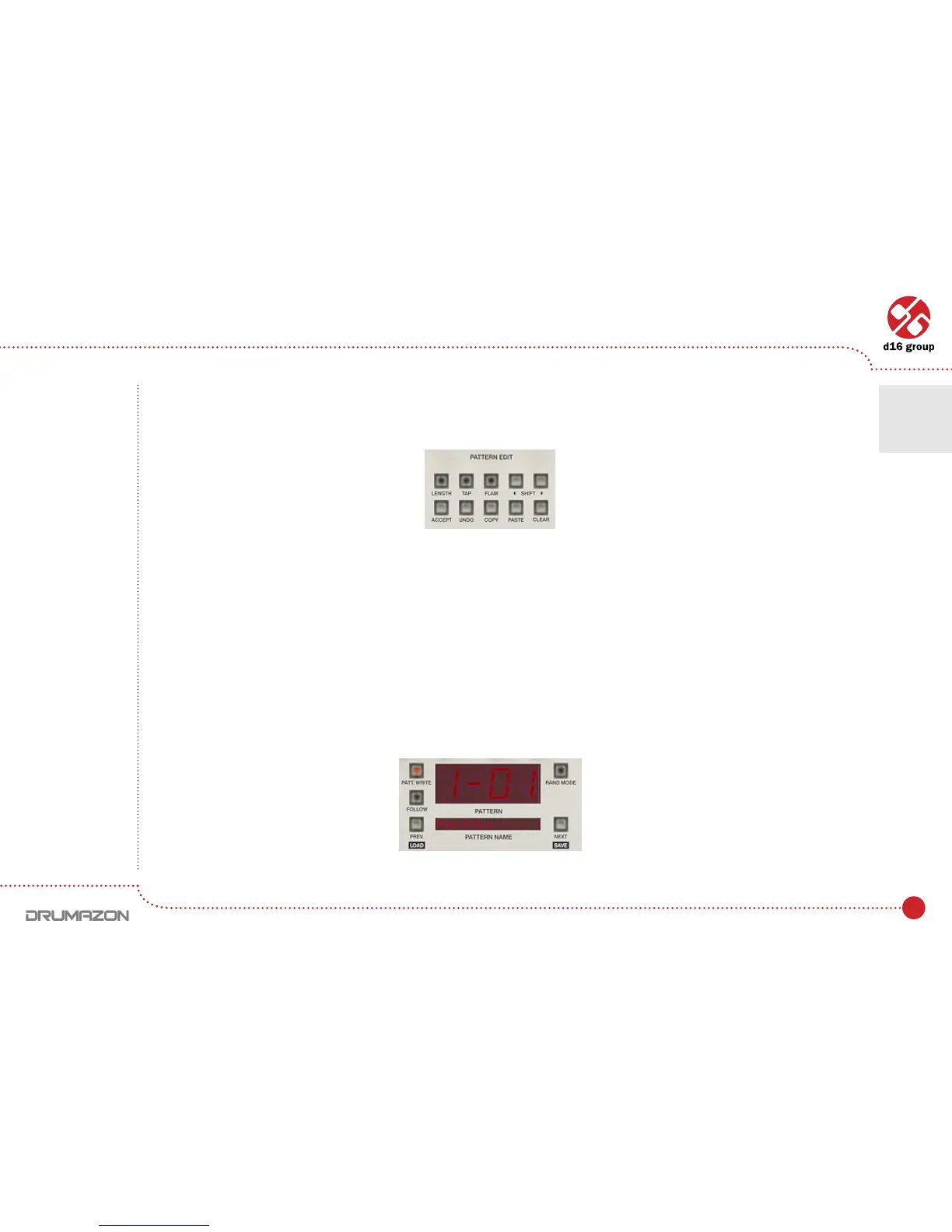
Standard editing functions (buttons in Pattern Editsection)
• Shift left / right – Shifts steps on the selected track left or right. The shifting is cycled. This means if the last step
ontherightside(duringtheshiftingright)itwillappearontherststepontheleftside.Similarlyithappenswhile
shifting left. Pressed with CTRL key, shifts whole pattern.
• Copy–Copiesselectedtrackstobuffer.Afterpressingthisbutton,LEDsinTrack selector start to blink
to indicate that there is data in the buffer. Pressed with CTRL copies whole pattern to a buffer.
• Paste – Pastes buffer to the selected tracks. If do not change destination tracks, they’ll be copied in the same
place(inthesameorotherpattern).Butyoucanchangeit,byaselectingsomeothertracksontheTrack selector.
• Clear–Clearsselectedtracks.PressedwithCTRL key, clears whole pattern.
Toselectthedestinationpattern(forcopying),usethePrev and Next buttons:
Note: Copying can
be also performed
for the tracks
assigned
to the different
instruments.
Pattern editing functions
Pattern display and navigation
Drumline editing • Pattern editing
4



 To Next Page